← Back to Projects
Mobile Application

Smart Connect

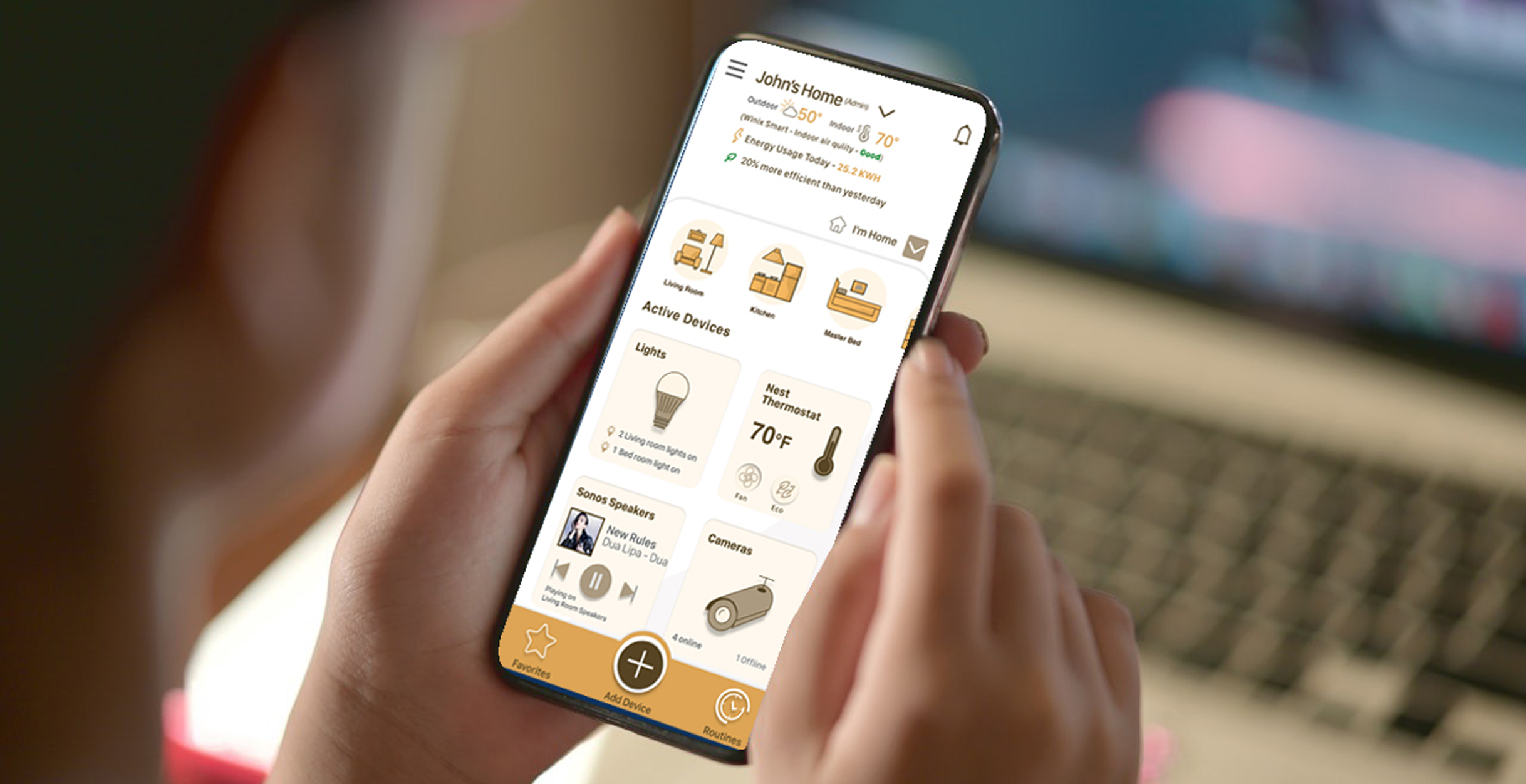
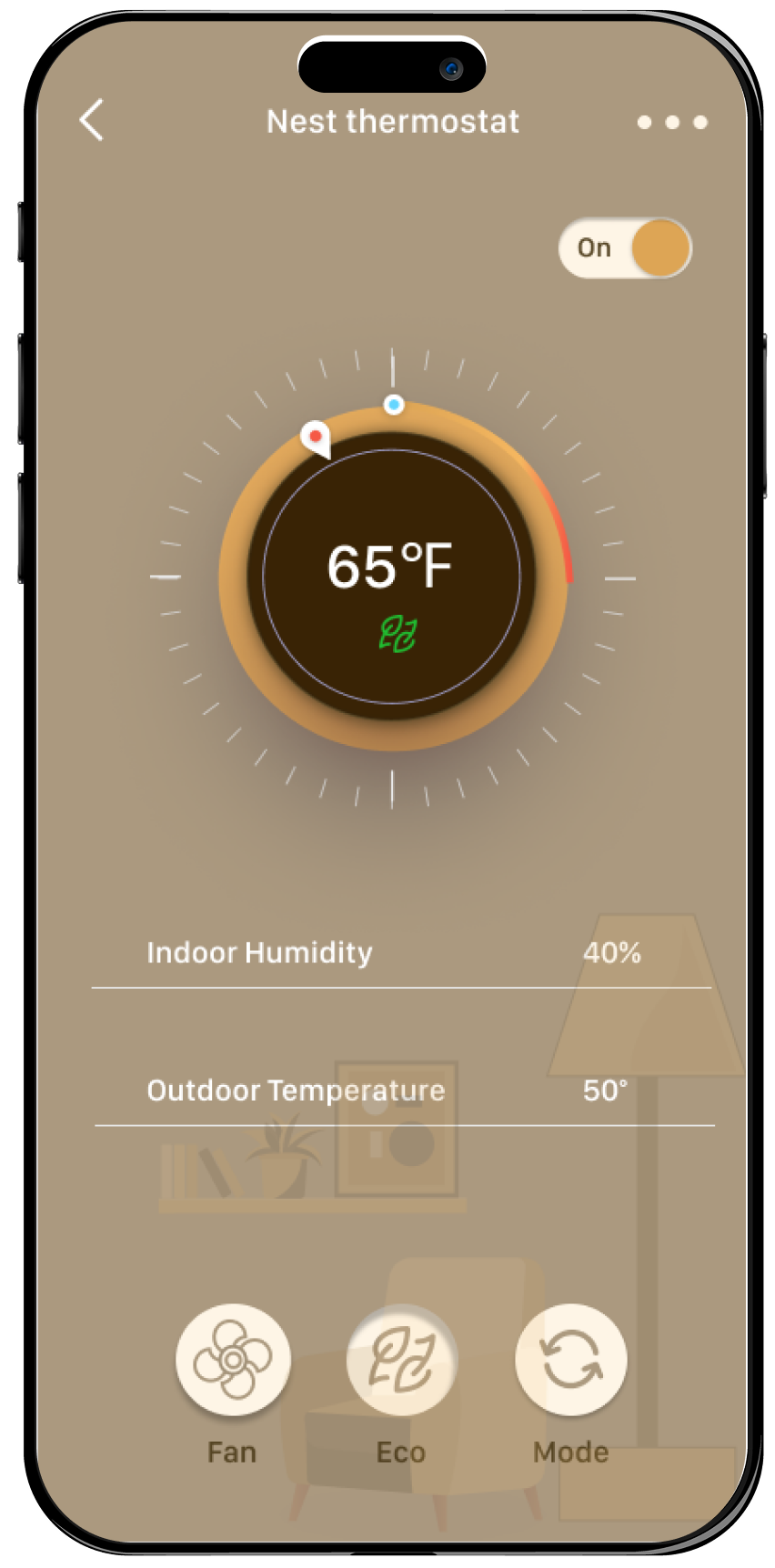
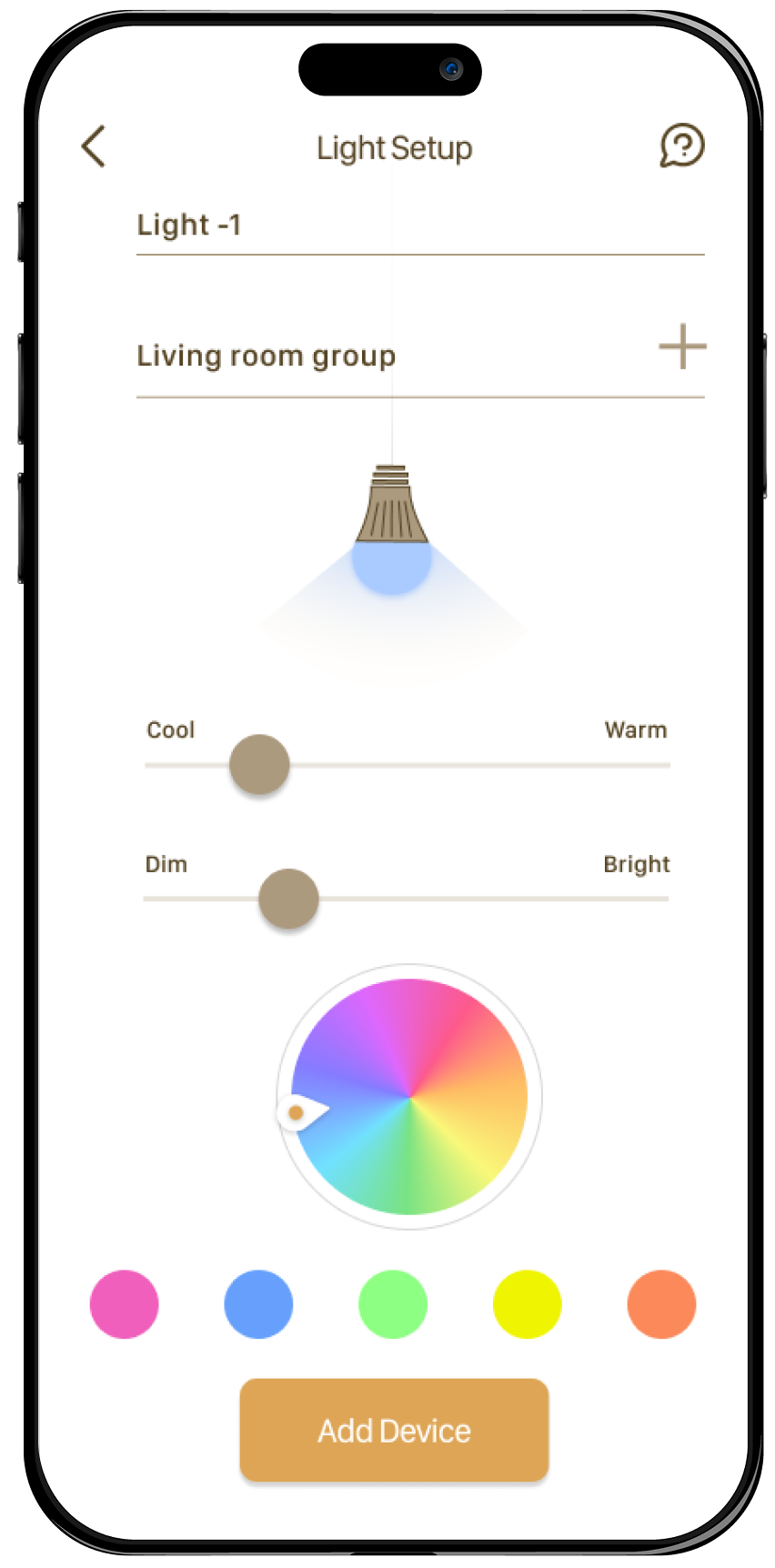
Smart Connect is a smart home app that aims to integrate monitoring and controlling of smart home appliances from a single app. It provides a more efficient way to control devices seamlessly. This app is designed keeping the end user in mind.

Role UI/UX Designer/ Ux Research
Tools Figma, Adobe Illustrator, Miro
Smart Connect App Design

The Challenge

There are multiple IoT devices in the market, yet no one has figured out how to deliver a cohesive experience to consumers. The marketplace is split between leading platforms like Amazon's Alexa, Google Home, and Apple HomeKit. Each new connected device often requires its own app that may or may not integrate with a consumer's chosen platform. Popular apps and services may only be available on specific devices.

I started with understanding what users wanted and what competitors were doing. I made sure to keep the users in mind while designing the app. I carefully decided which features were most important for the first version of the app and for future updates, always aiming to make something that users would love.

I tested my designs with real people in quick, informal tests to see if they were easy to use. This helped me fix problems early on. I also made rules and plans for how the app should look and what it should say. These tests and plans helped with how to move forward. When I found issues through testing, I made changes to make the app better for users.

"I believe that by designing a unified smart home application that seamlessly integrates, controls, and monitors various smart home appliances from different manufacturers, I can improve the user experience, enhance efficiency, and reduce user frustration. When users control every function of all smart home devices through a single app, they can eliminate most of the confusion and this app will provide users with the simplest way to control their smart home."

Key Assumptions

  • Users will prefer the convenience of controlling all their smart home devices from a single application rather than using multiple apps
  • An intuitive and user-centric interface will lead to increased user satisfaction and a positive overall experience
  • The ability to efficiently control and monitor devices will reduce the time and effort users spend managing their smart home

Competitor & Heuristic Analysis

This multifaceted approach allowed me to delve deep into user behaviors, industry trends, and competitive landscapes. By analyzing existing solutions and user experiences, I gained a nuanced understanding of the challenges users face in managing multiple smart home devices. These insights served as a solid foundation for informing the subsequent stages of the design process, guiding the development of solutions that effectively address user needs and pain points.

Competitor Analysis

Survey

I conducted a survey with 28 smart home users, aged 25 to 50, who generally live in their own homes. The primary motivations for home automation were security and time convenience, with solutions like appliance control, smoke alarms, and motion detectors being important. The survey concluded that security and remote access are key motivators for purchasing smart appliances, highlighting the need to integrate these features into smart home apps.

Survey Results

Interviews

After screening participants, I selected five for interviews. Discovering that managing numerous smart home devices without hub installations like Alexa or Google Home is arduous. Users grapple with multiple apps, passwords, and device types, often juggling 4 to 5 different apps for various functionalities. These insights enriched my understanding of user behaviors, pain points, and goals for the design process.

User Interviews

Key Insights that Defined the MVP

Amazon Alexa, Google Home and Apple HomePod are the most popular smart speakers in the US. Most of the users use it to control their smart home devices. Amazon holds the biggest market share in smart devices.

My research showed that most smart home decisions are driven by the user's smartphone platform, which often limits a consumer's options in terms of connected devices. Certain devices may only be compatible with Android or iOS, and some premier device makers are trying to create their own ecosystem independent of smartphone platforms. This has created a truly broken customer experience.

Smartphone Platform Research

I learnt from my research that roughly 44% of smart home tech adopters are parents with younger children. They are more likely to invest in smart house devices, due to the obvious security and safety benefits. Numerous statistics indicate that safety concerns are also driving the future smart home technology market.

Parents with Children Research

My research shows that about 47% of US-based Millennials have at least one smart home product within homes. A recent survey shows that about 81% of real estate purchasers would be more inclined to buy a house if it came along with smart technology products.

Millennials Research

I approached this project from the perspective of users. I didn't rush into features, but rather, I thought about how I can satisfy user needs with the least functionality. User research was the stage where I studied users' needs and pains because the success of every single feature would depend on how well I was able to interpret what users wanted from this application.

Add New Devices

Easy device onboarding process

Create a Routine

Automate device actions

Manage & Group Devices

Organize devices efficiently

Event History

Track device activities

Next Priority Features

Voice Assistance

Voice assistants can help control many smart home devices. Voice assistant frees up the time and resources. From turning off the lights through opening the door, users can control any appliance and device in their smart home hands-free, which often leads to an improvement in user satisfaction.

Energy Usage

Smart technology allows users to take control of their energy usage through a variety of smart-home energy-saving strategies. Smart-home app can turn appliances off completely when not in use. They can also help users save energy and money.

Early Explorations

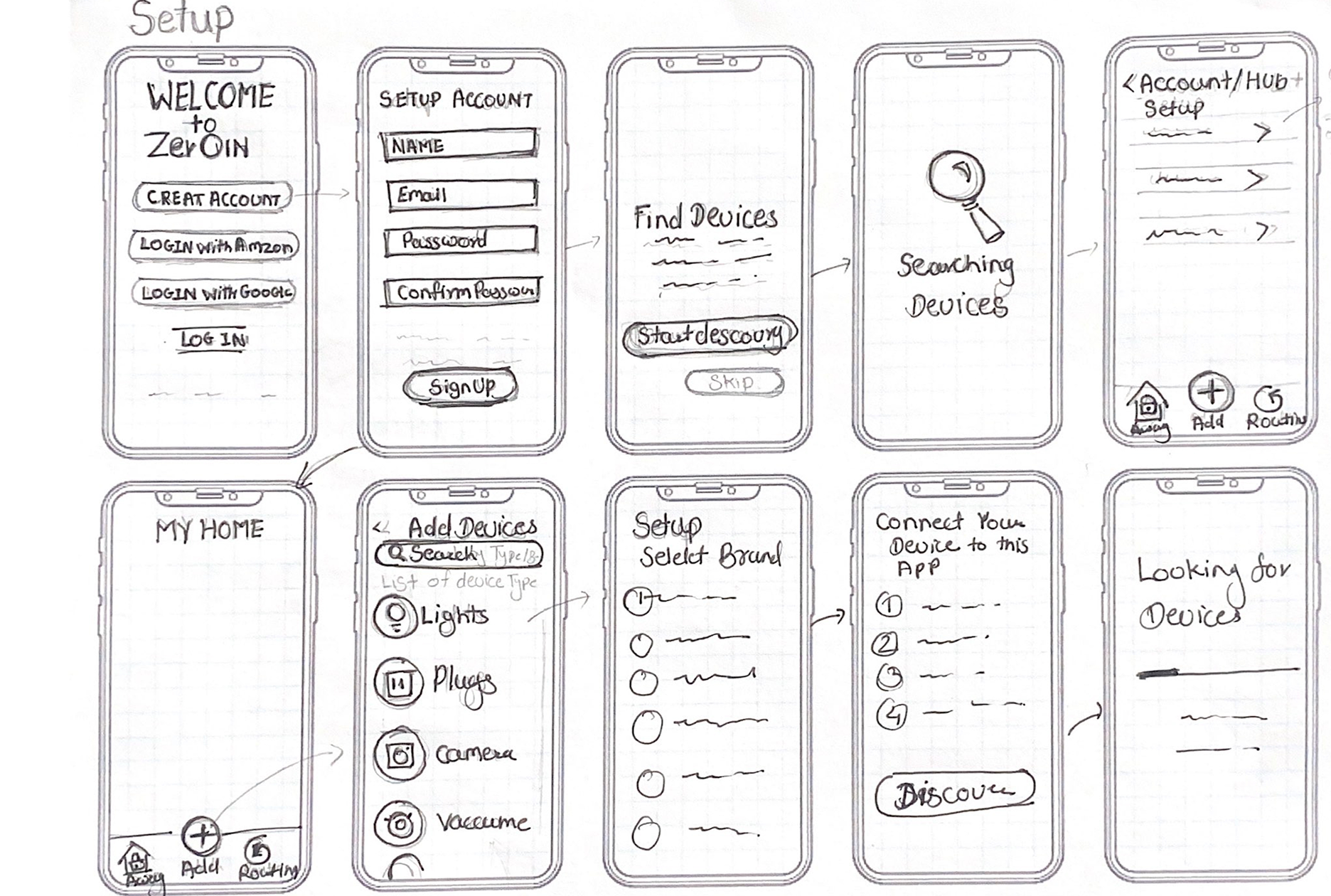
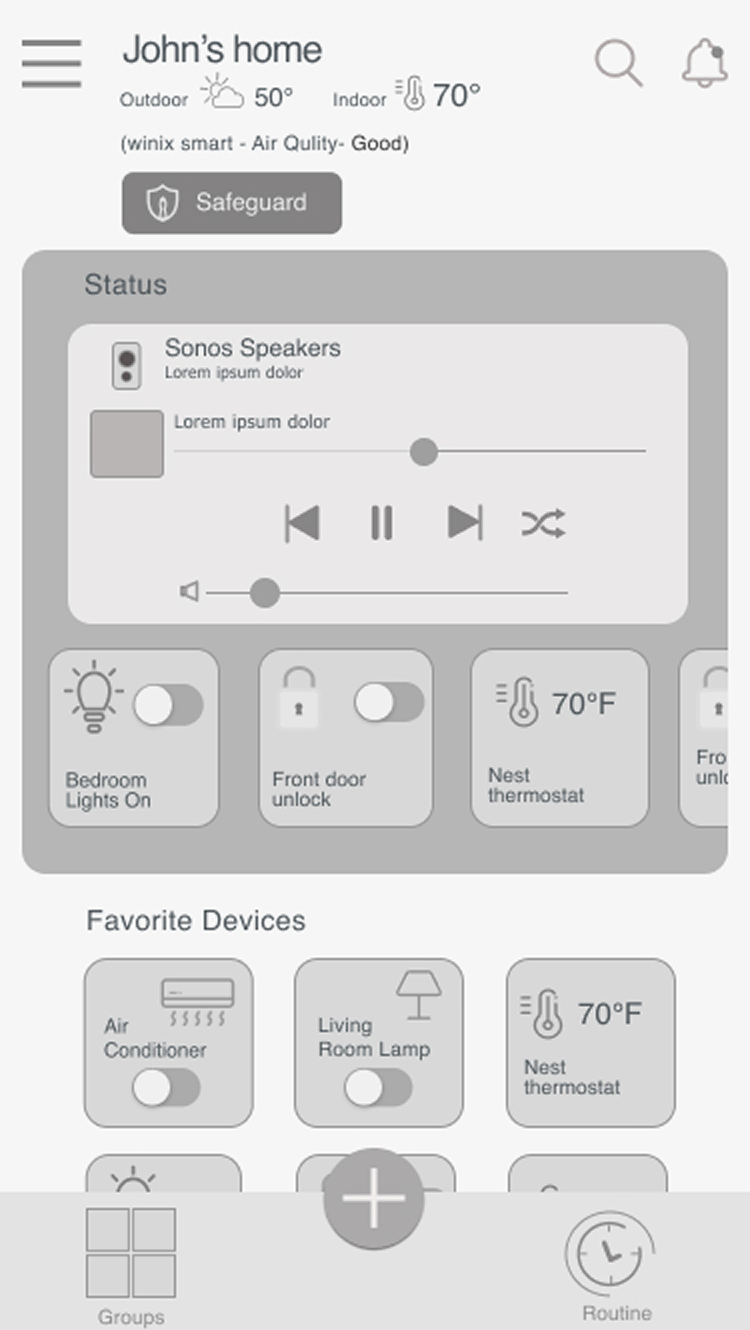
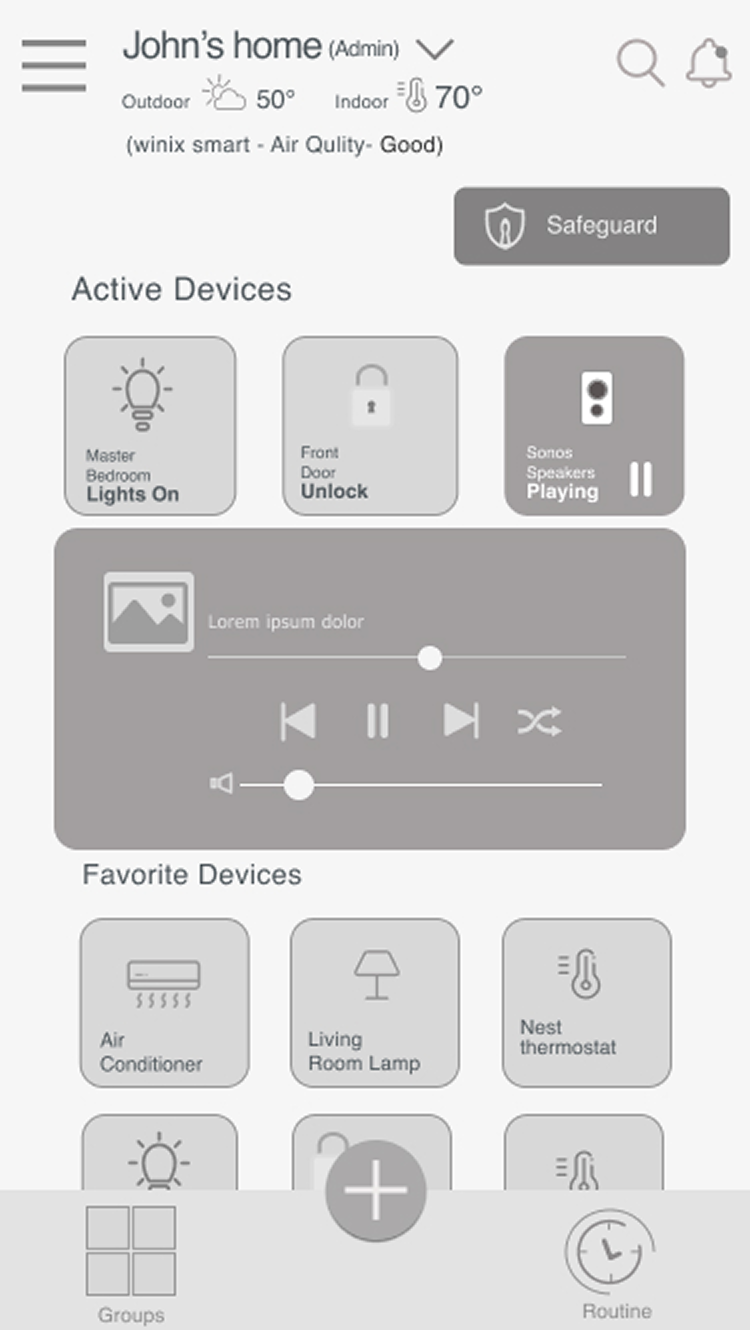
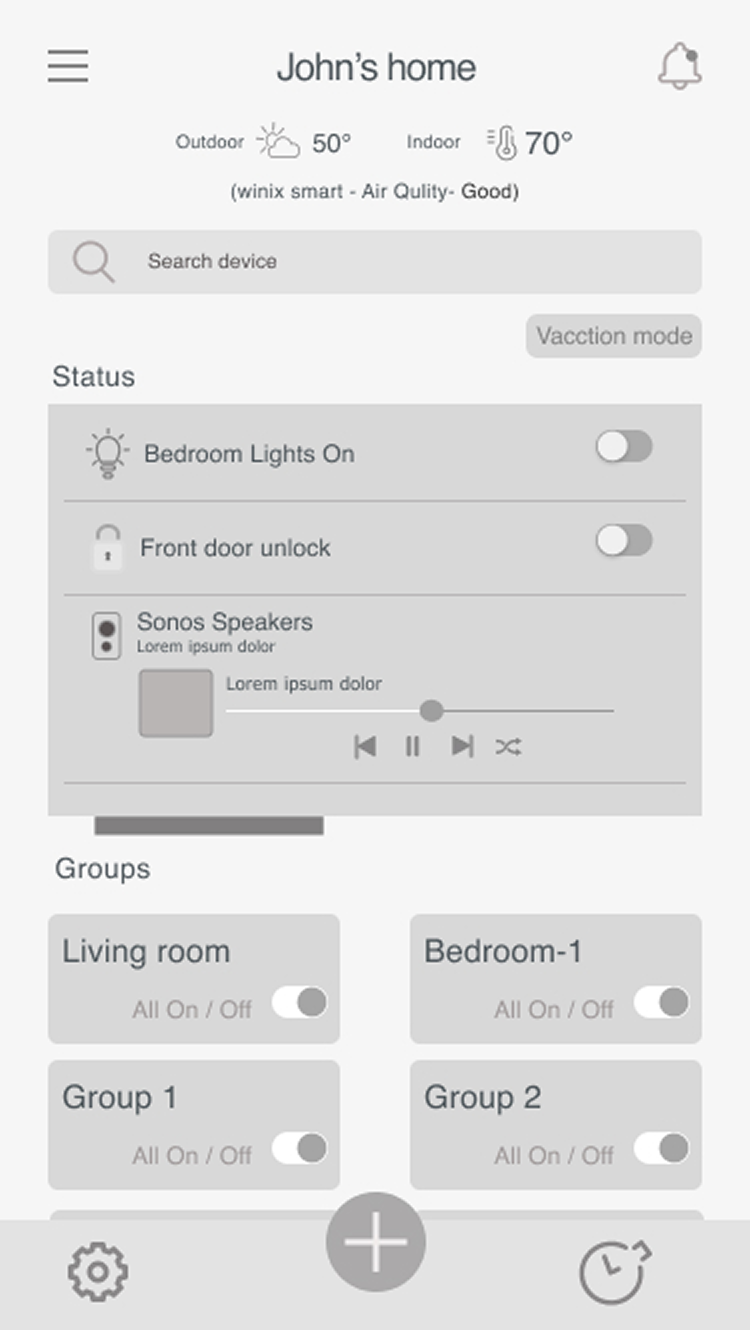
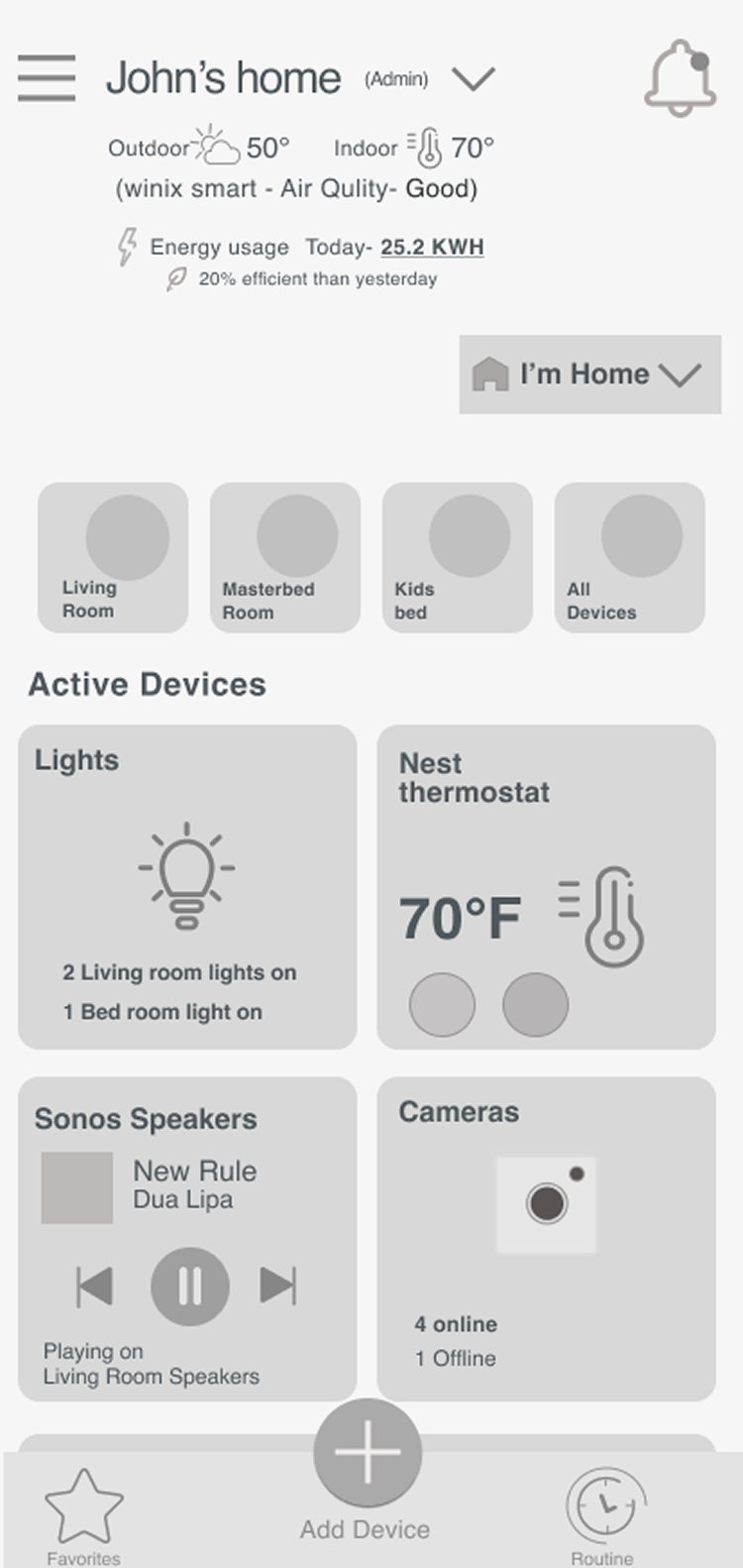
Once I gained a clearer picture of user needs, I started sketching design solutions and preparing low-fi prototypes. Sketching was the easy way to get my ideas out of my head and onto paper, where I was more easily able to see the changes or adjustments that I had to make. This was the first time I really brought my ideas to life.

Sitemap

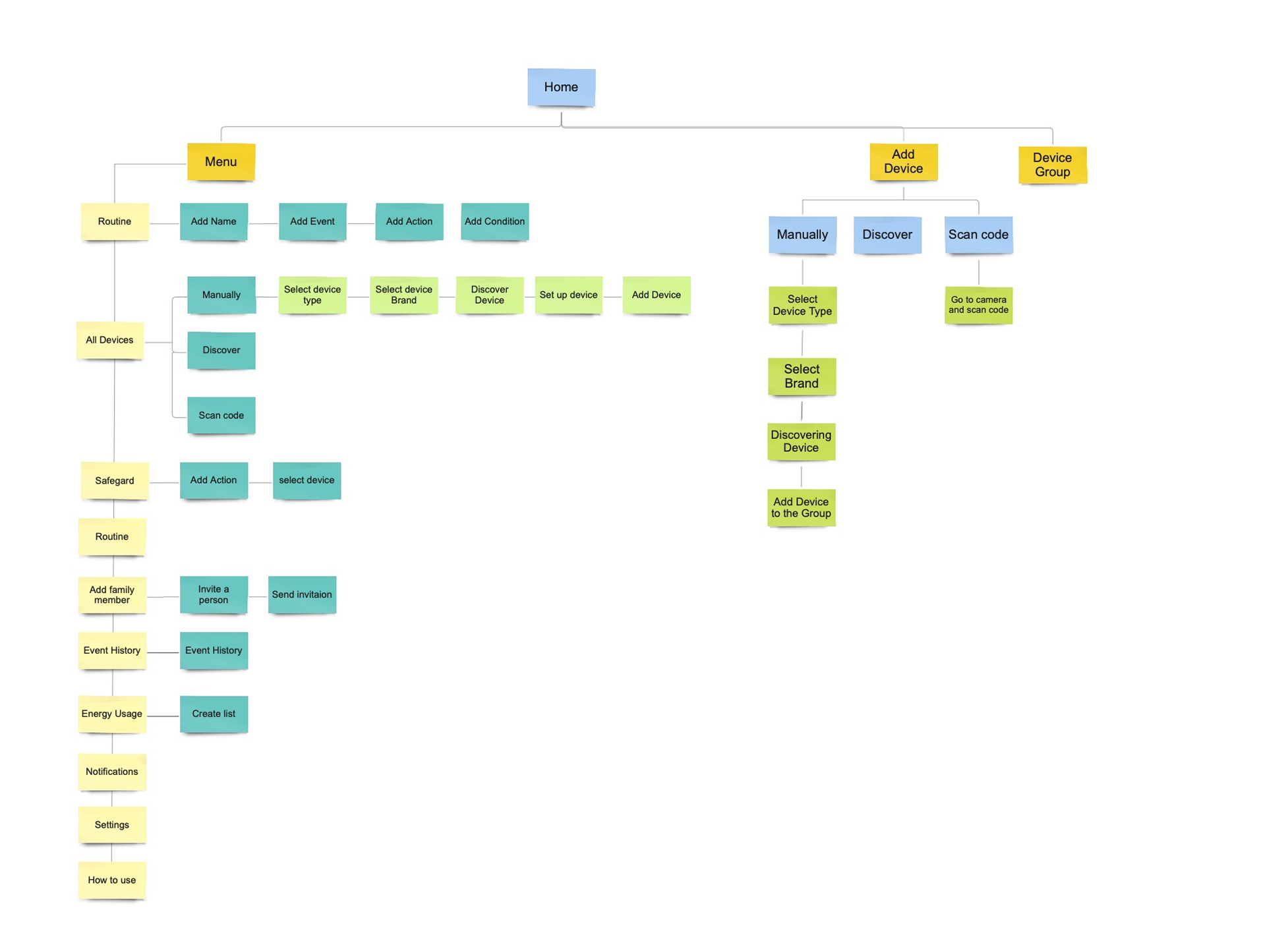
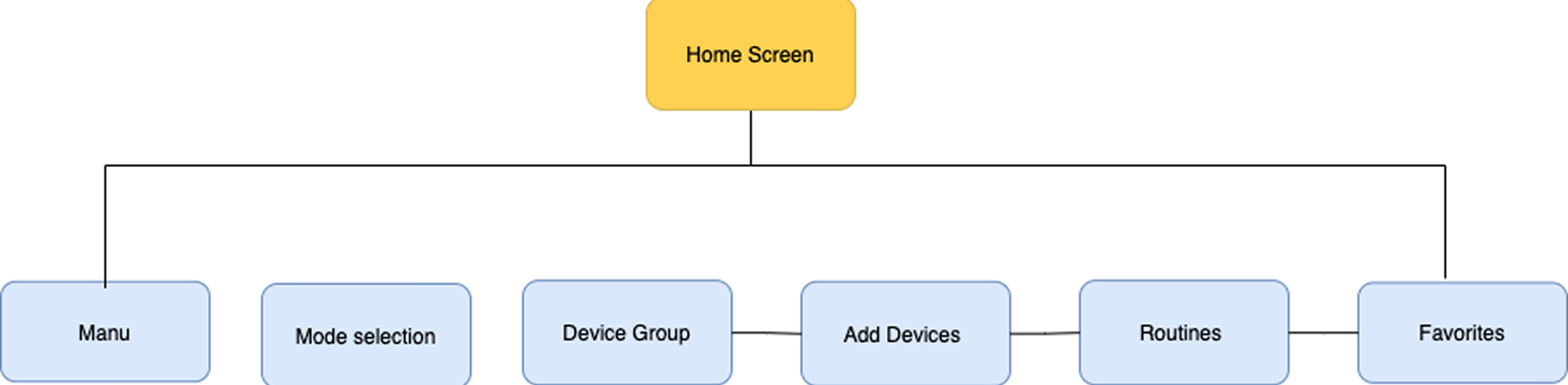
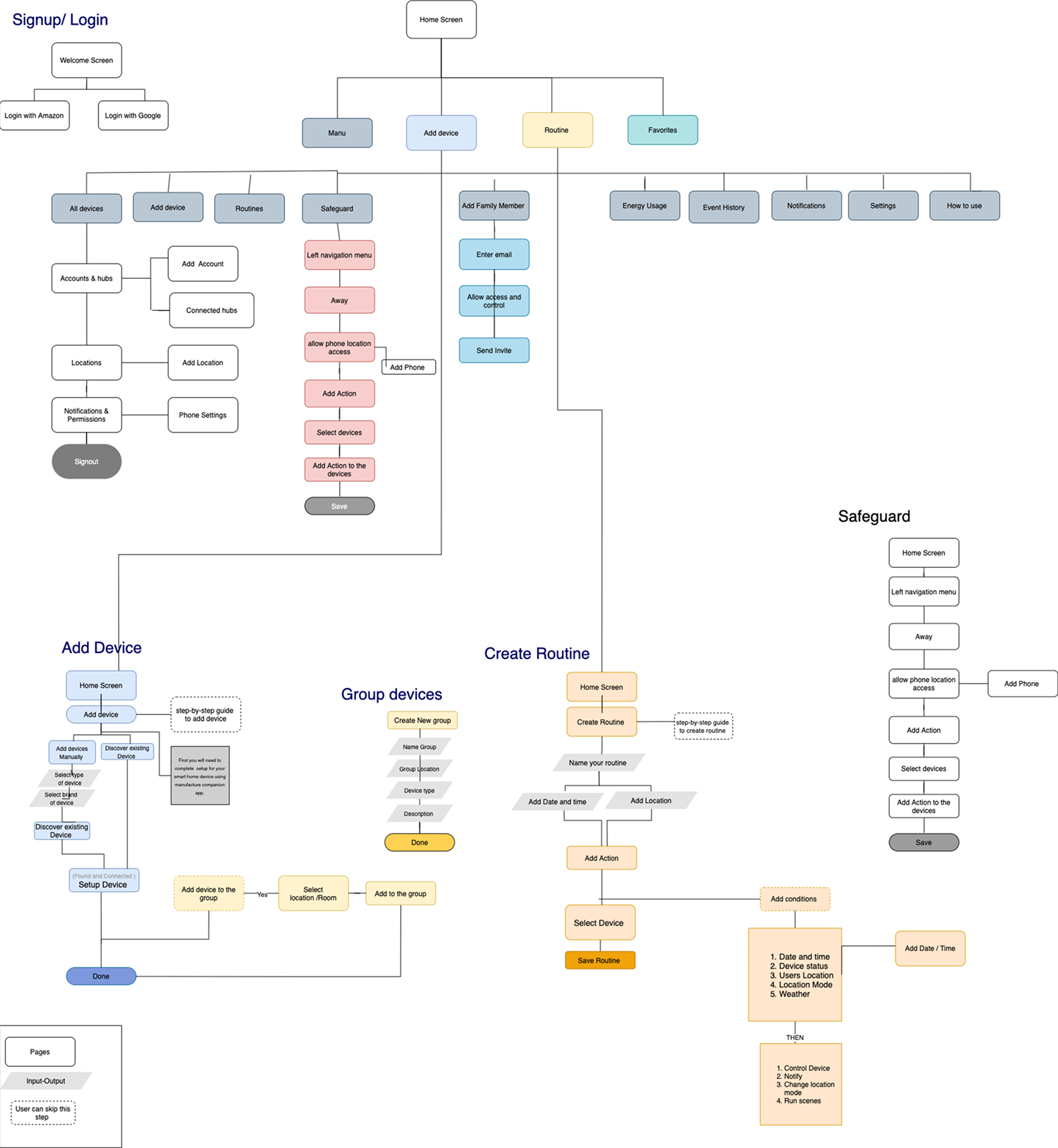
This Sitemap is a visual representation or diagram which helps me keep track of all of the different screens within an app and I can visualize how they are all connected.

"As a user I want to control my devices from home screen."

Wireframes

I created these versions to make sure that I tried all the possible directions related to this problem I was trying to solve. These are the different ways users could interact with this app.

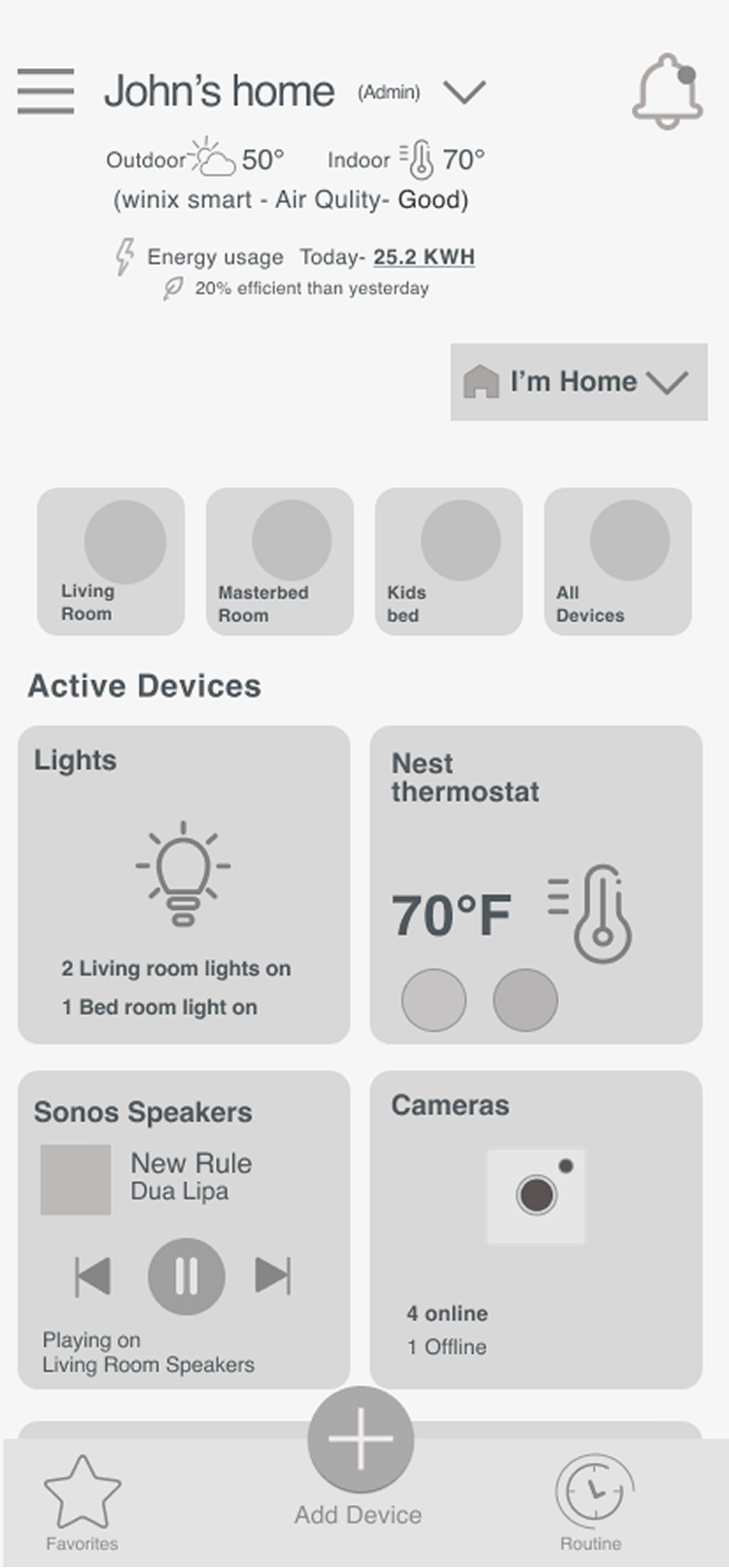
Final Home Screen Wireframes

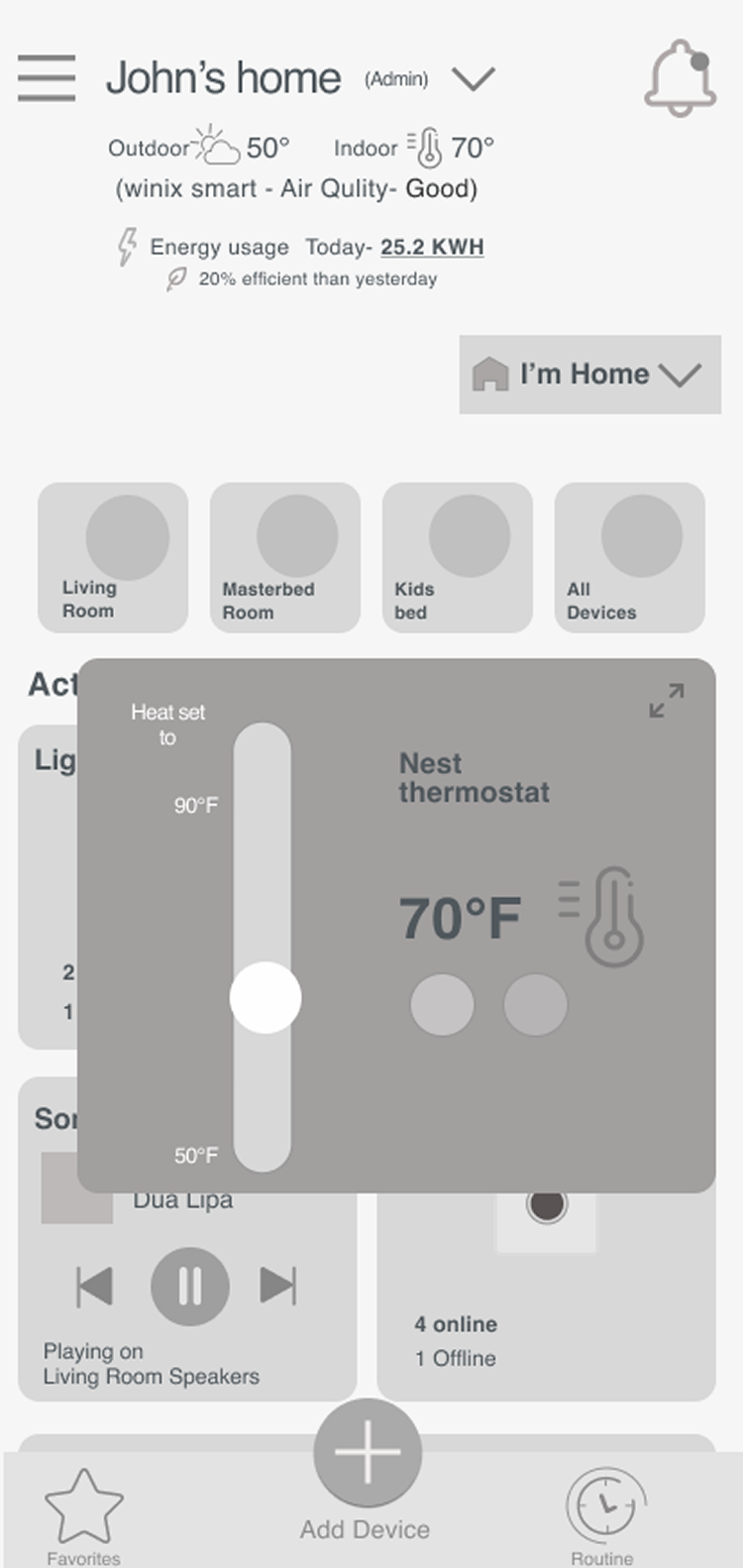
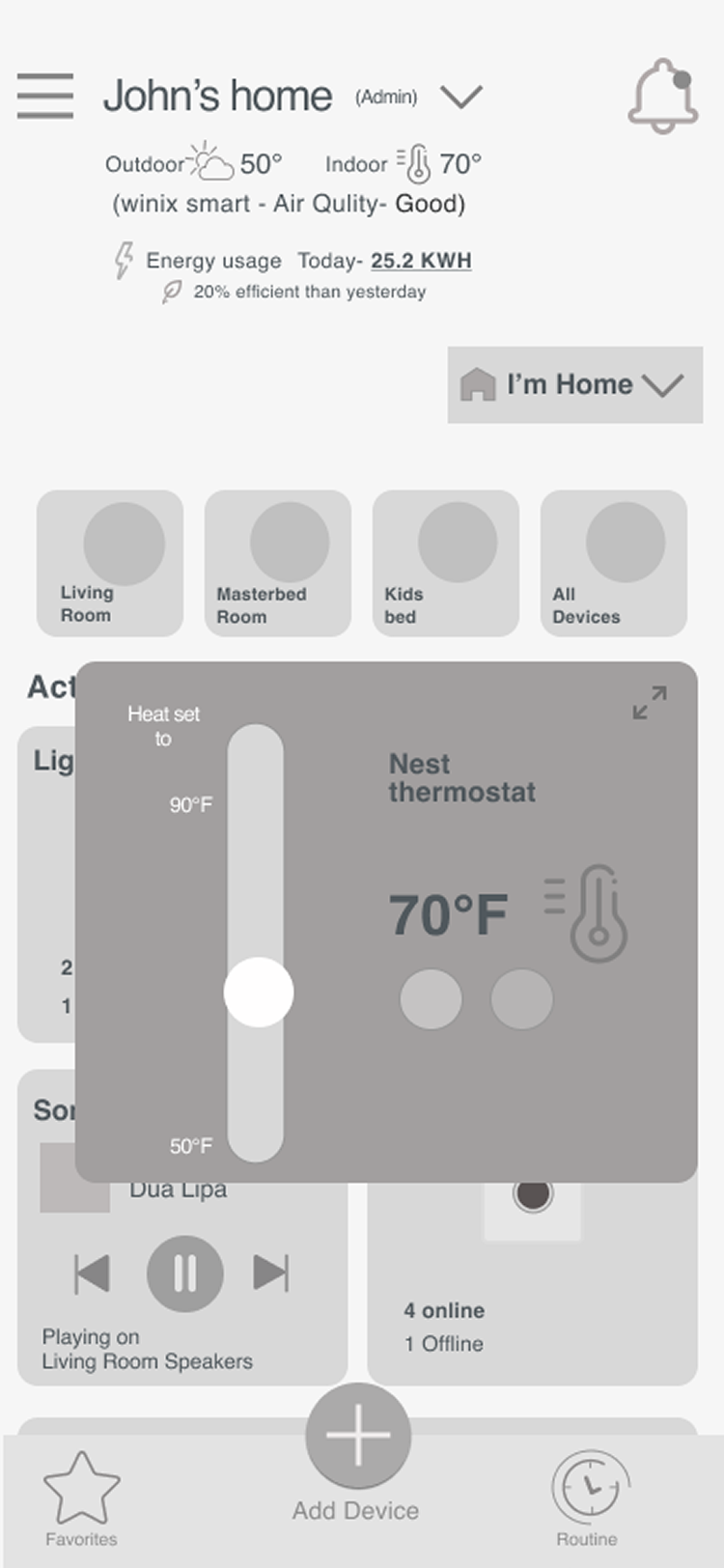
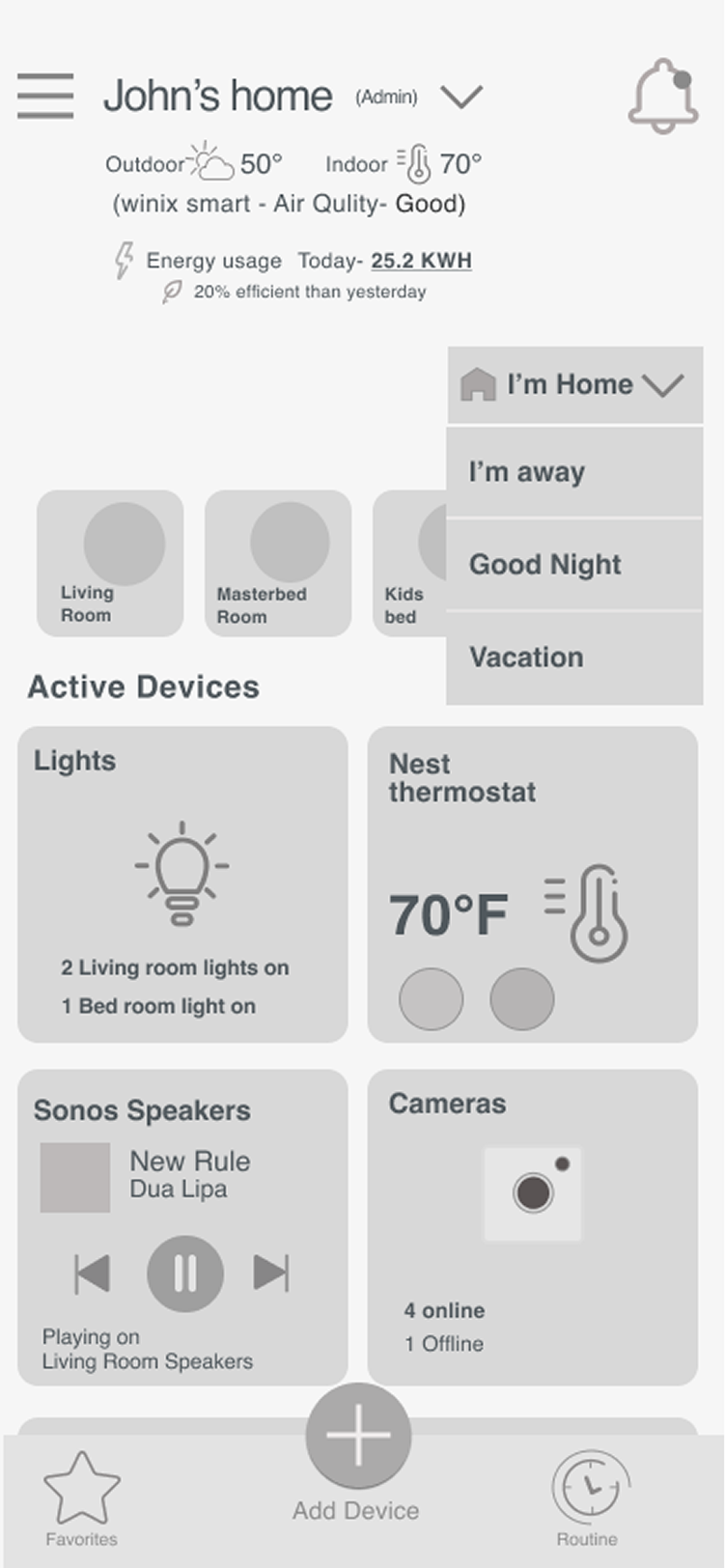
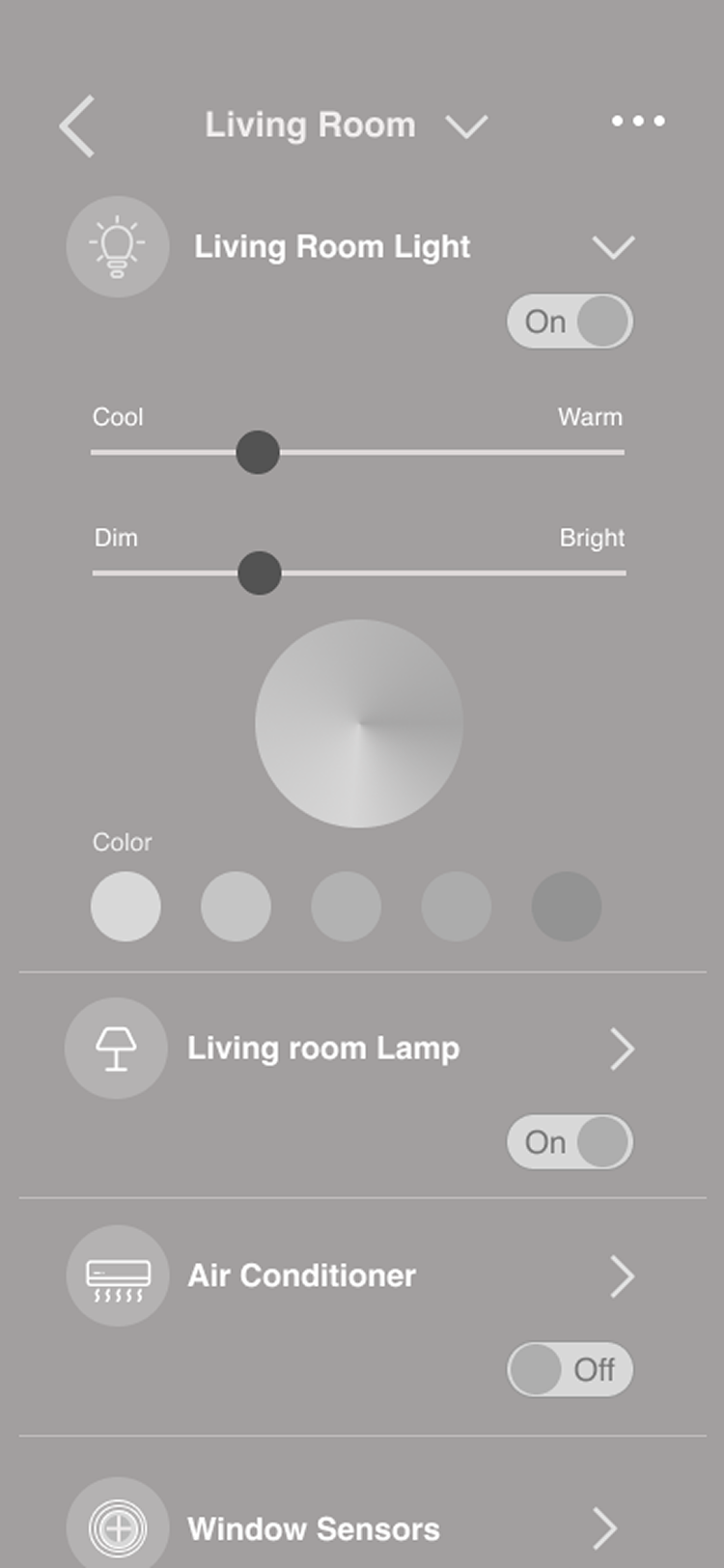
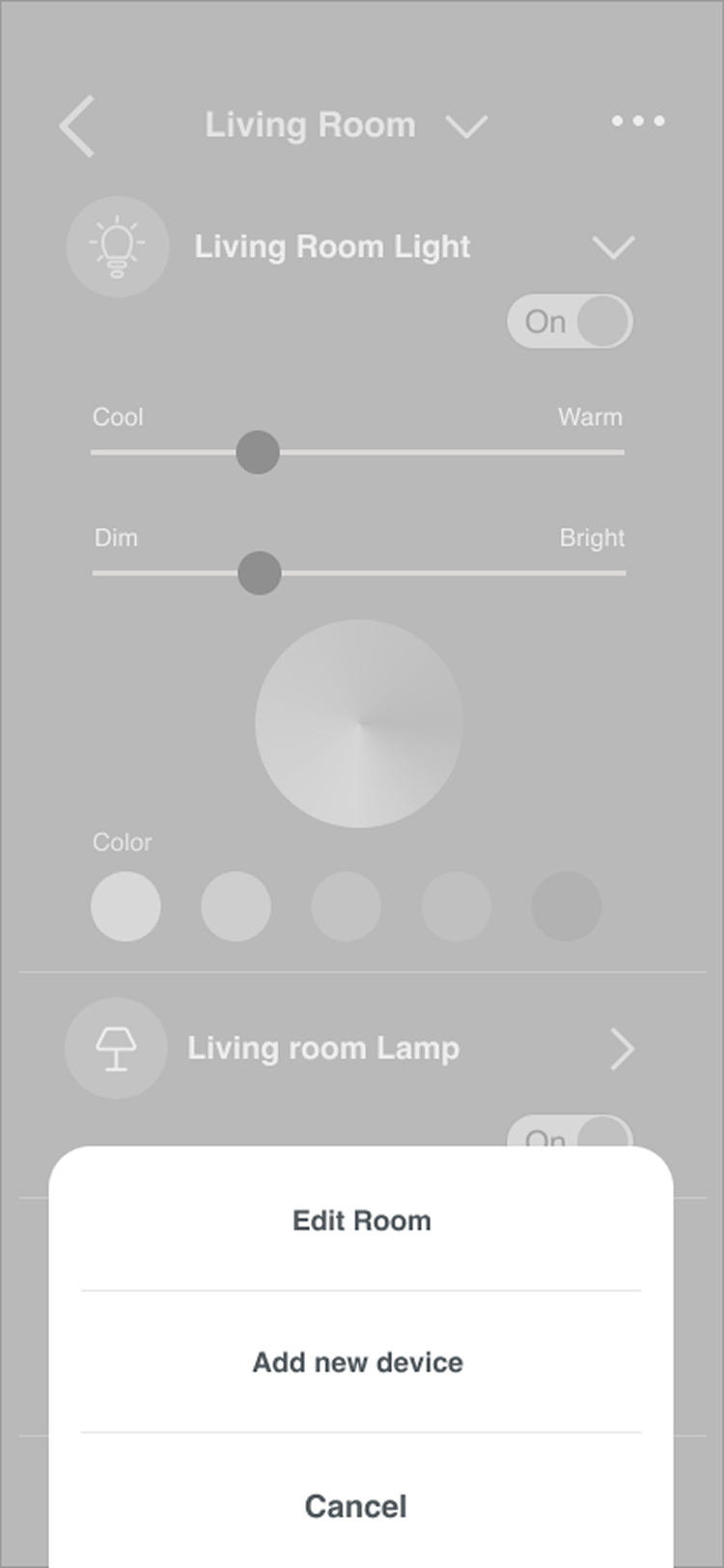
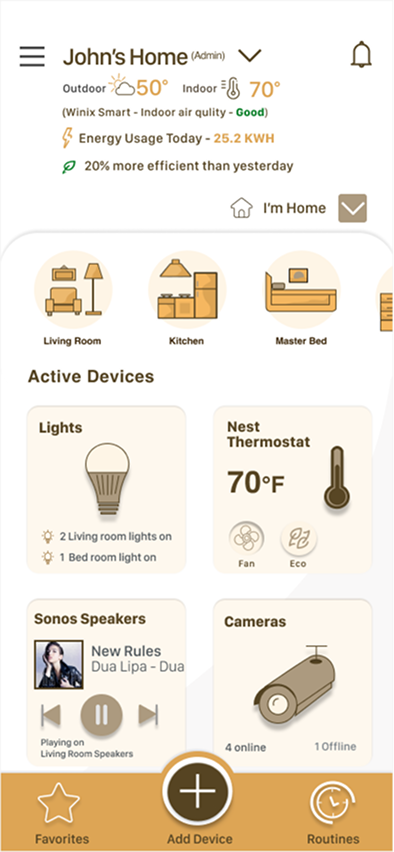
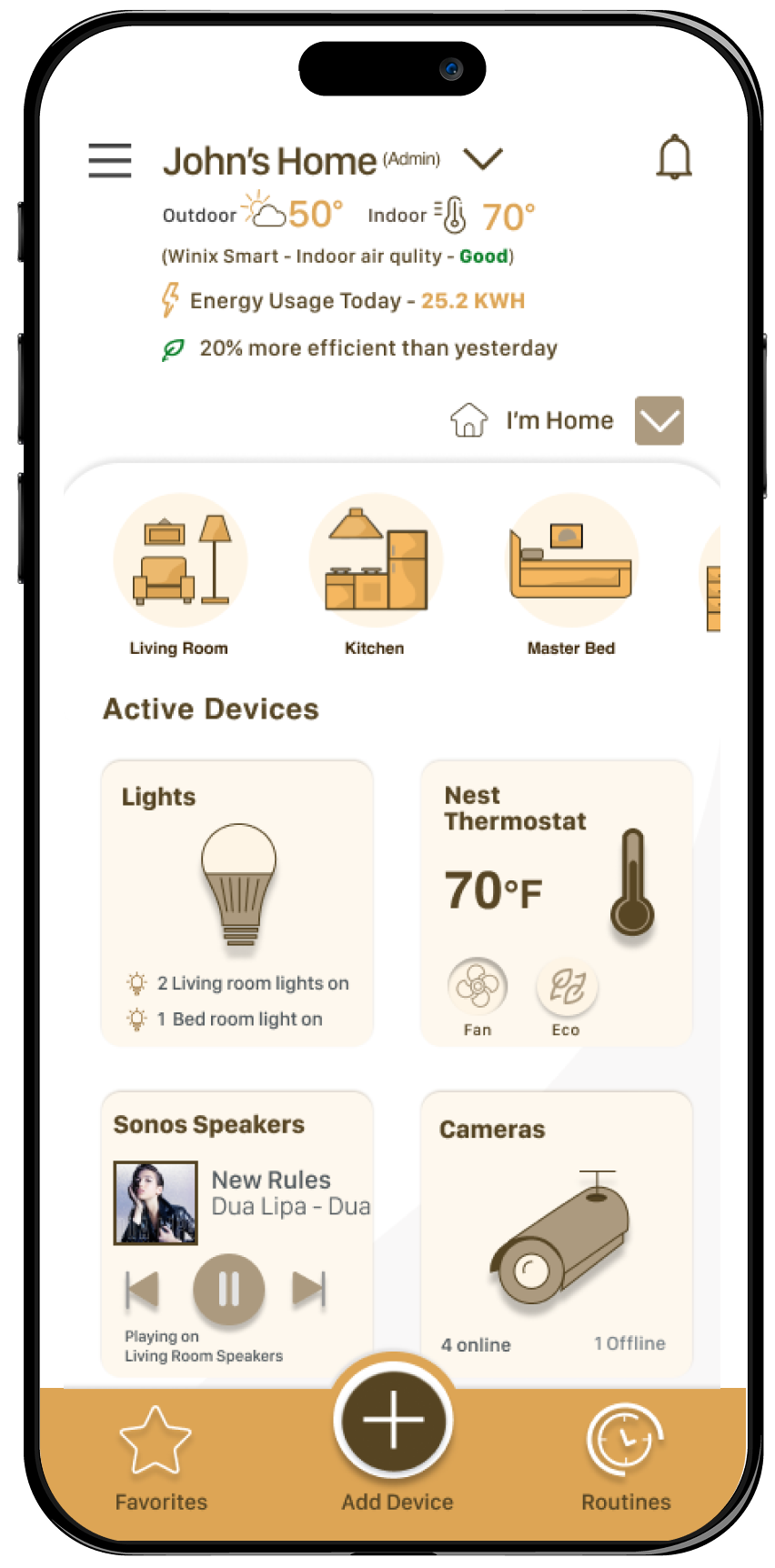
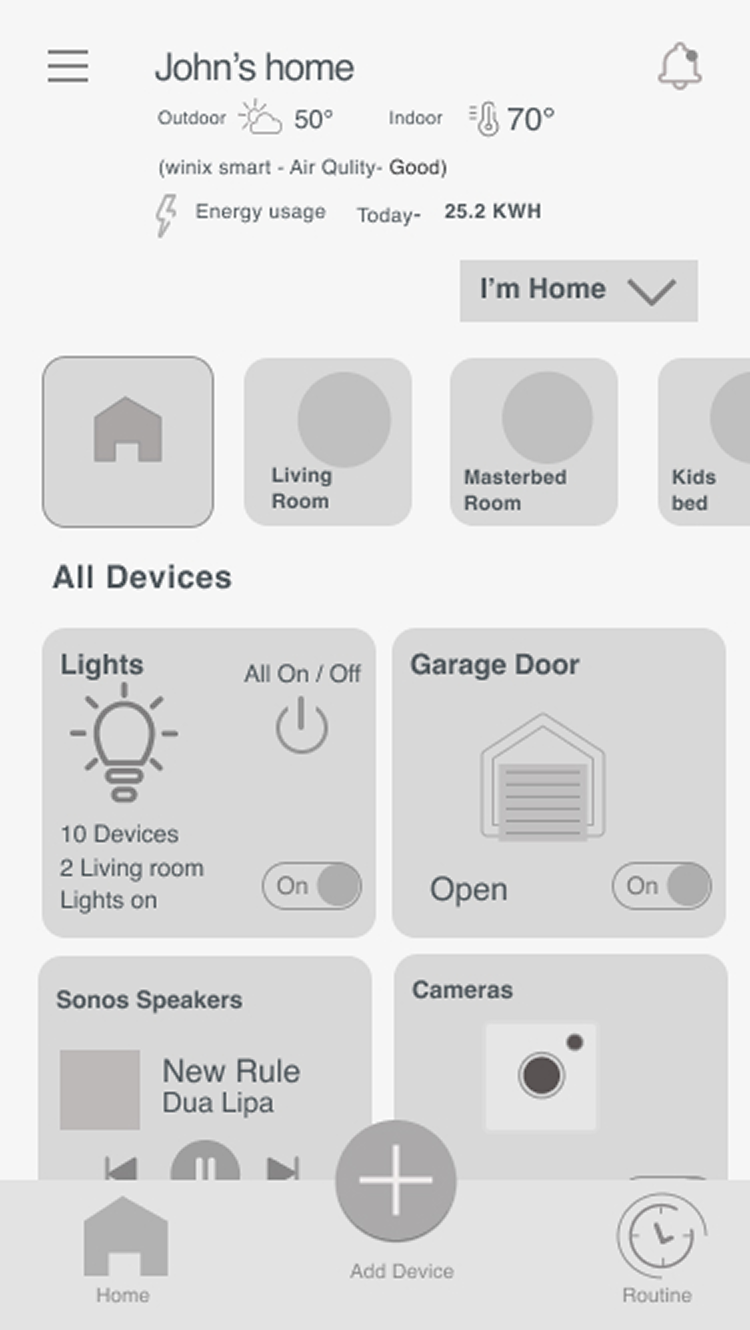
After multiple revisions, I found this layout to be the best fit for the app. It is different in terms of its overall experience and interaction. Users can control active devices, add new devices, and create a routine.

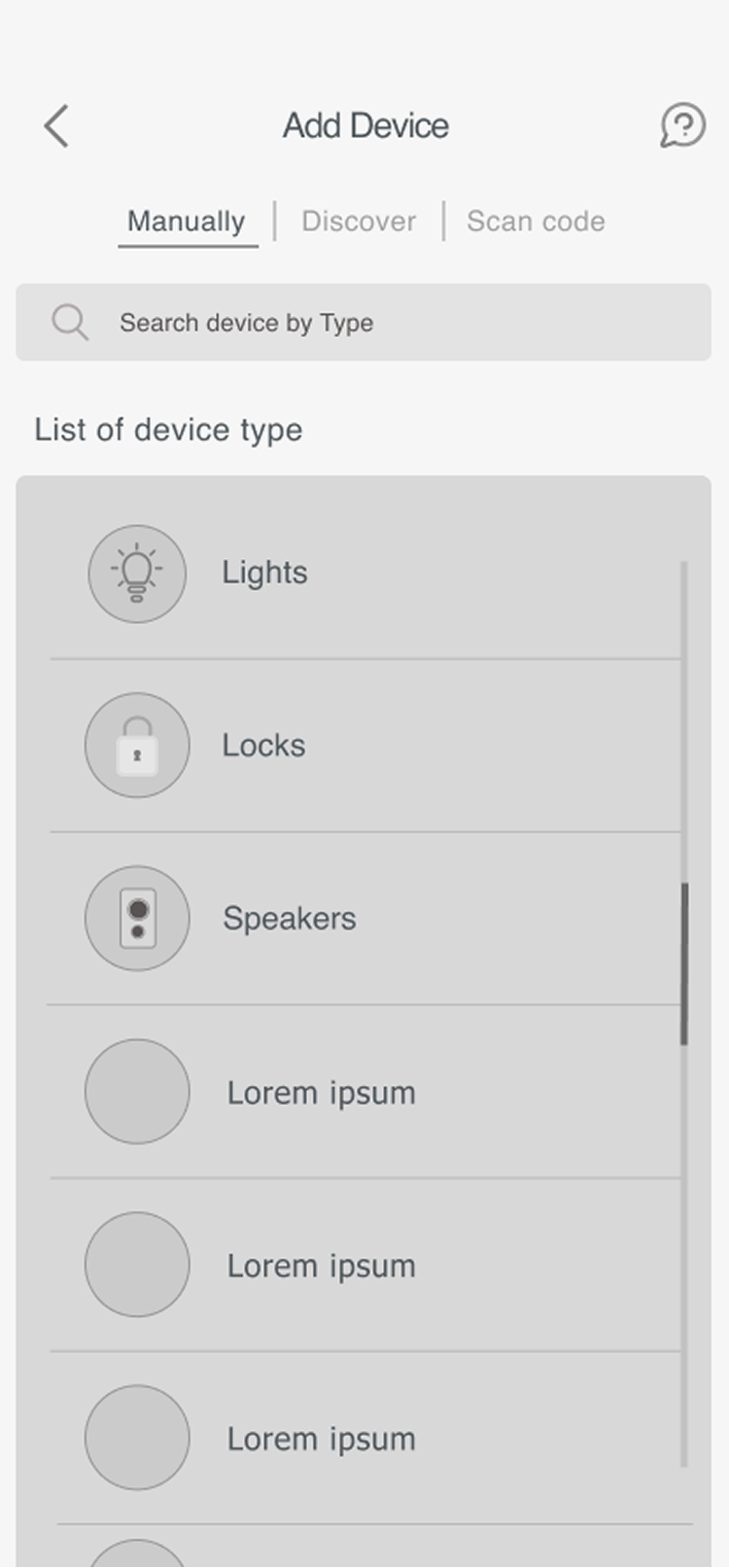
"As a user I want to add a new device."

Wireframes

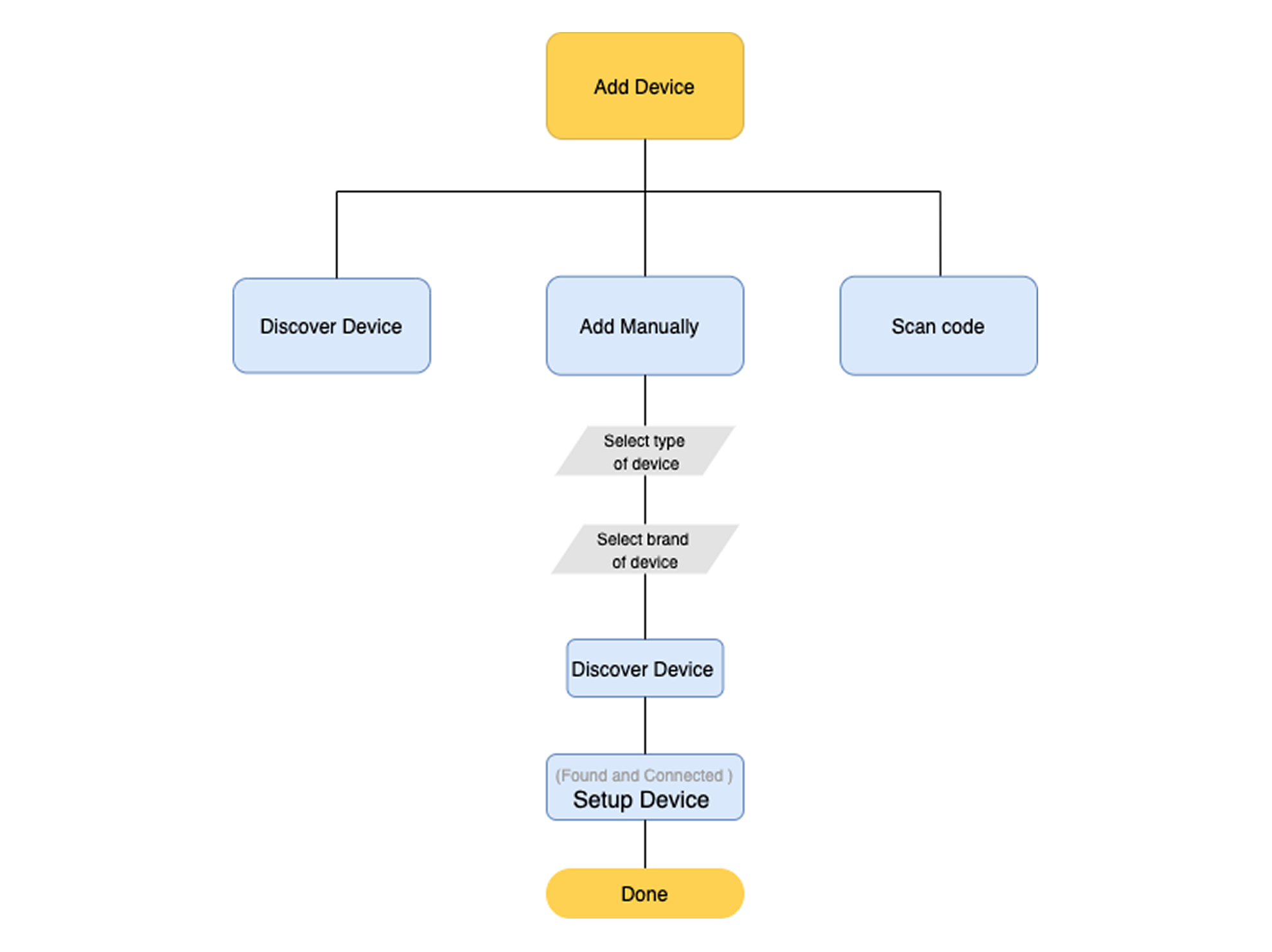
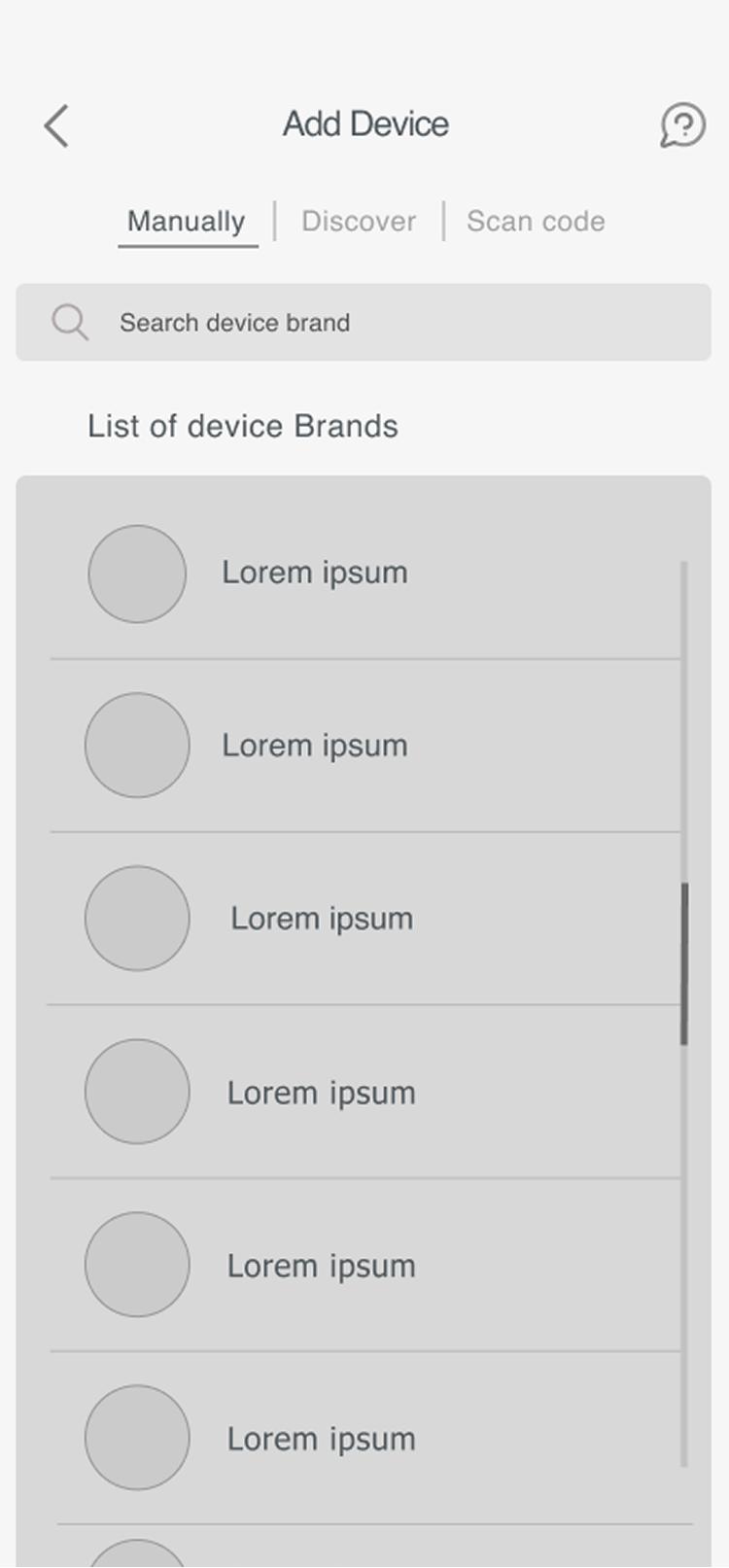
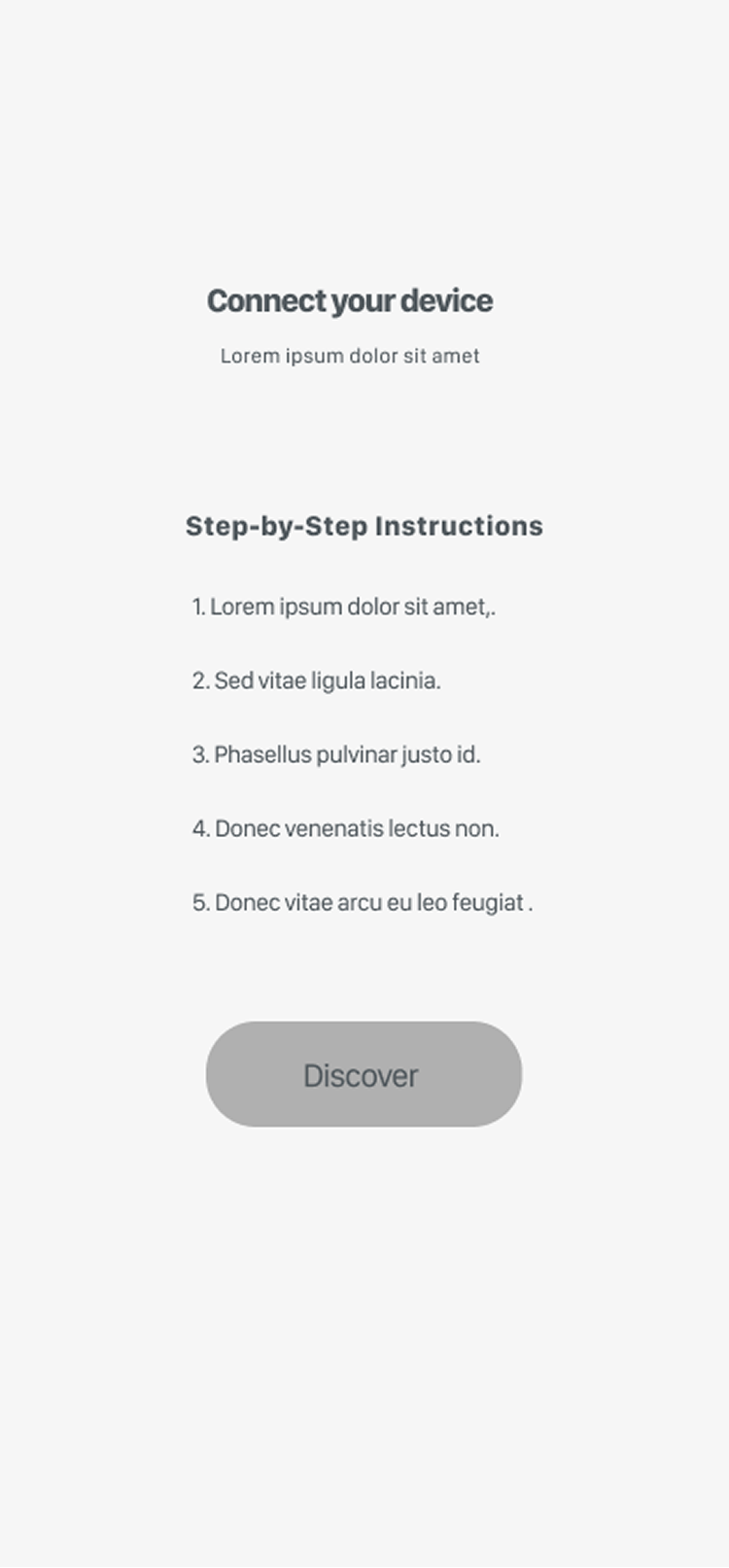
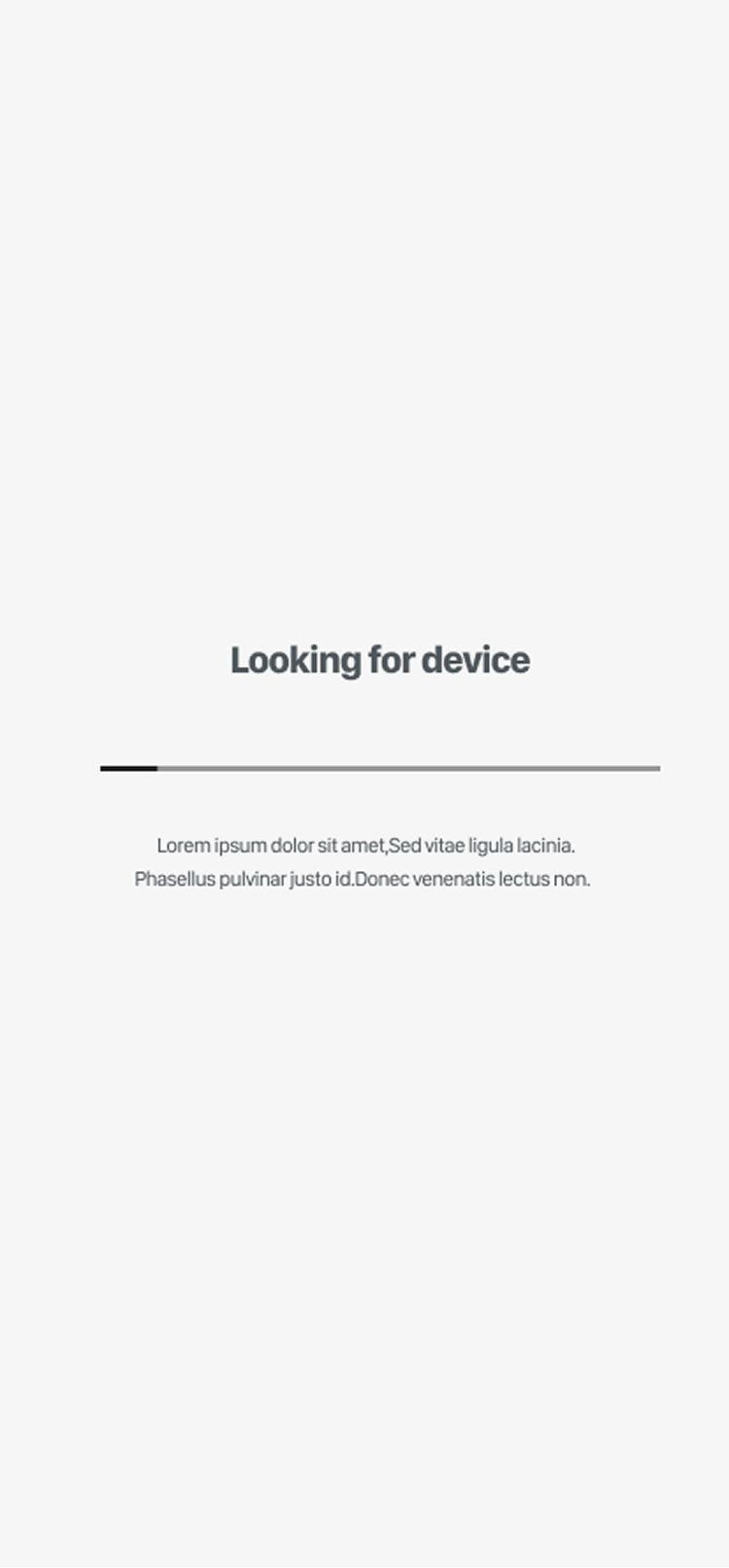
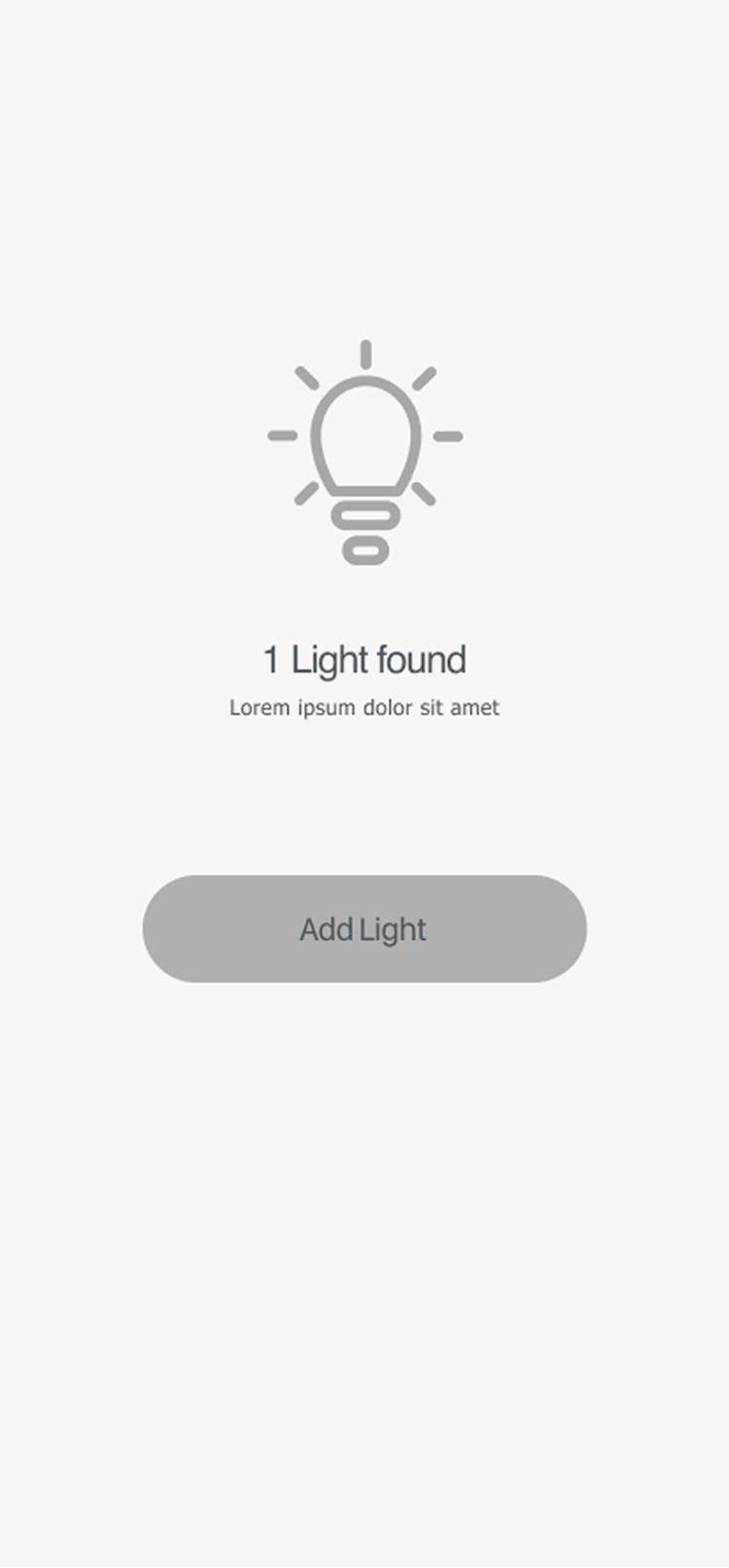
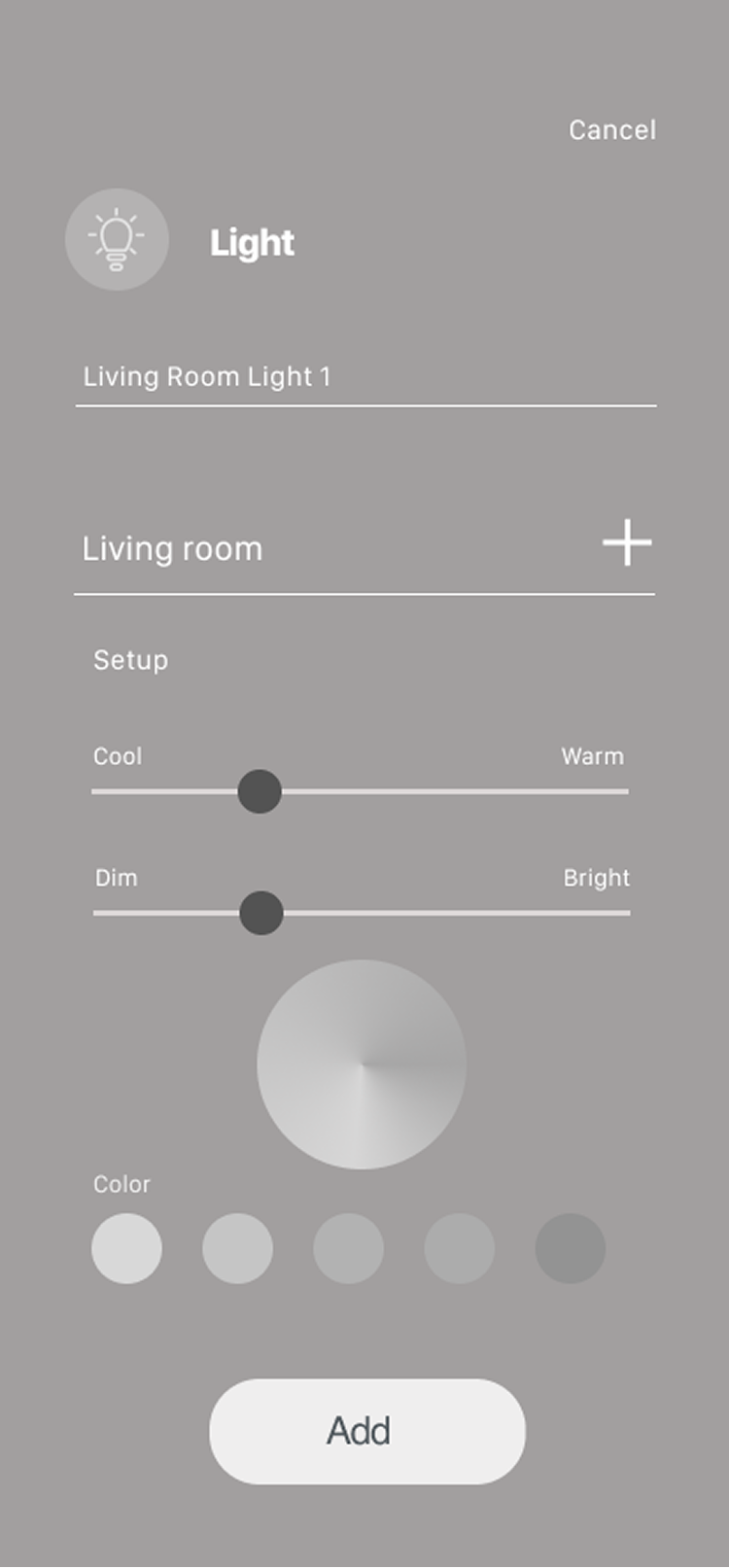
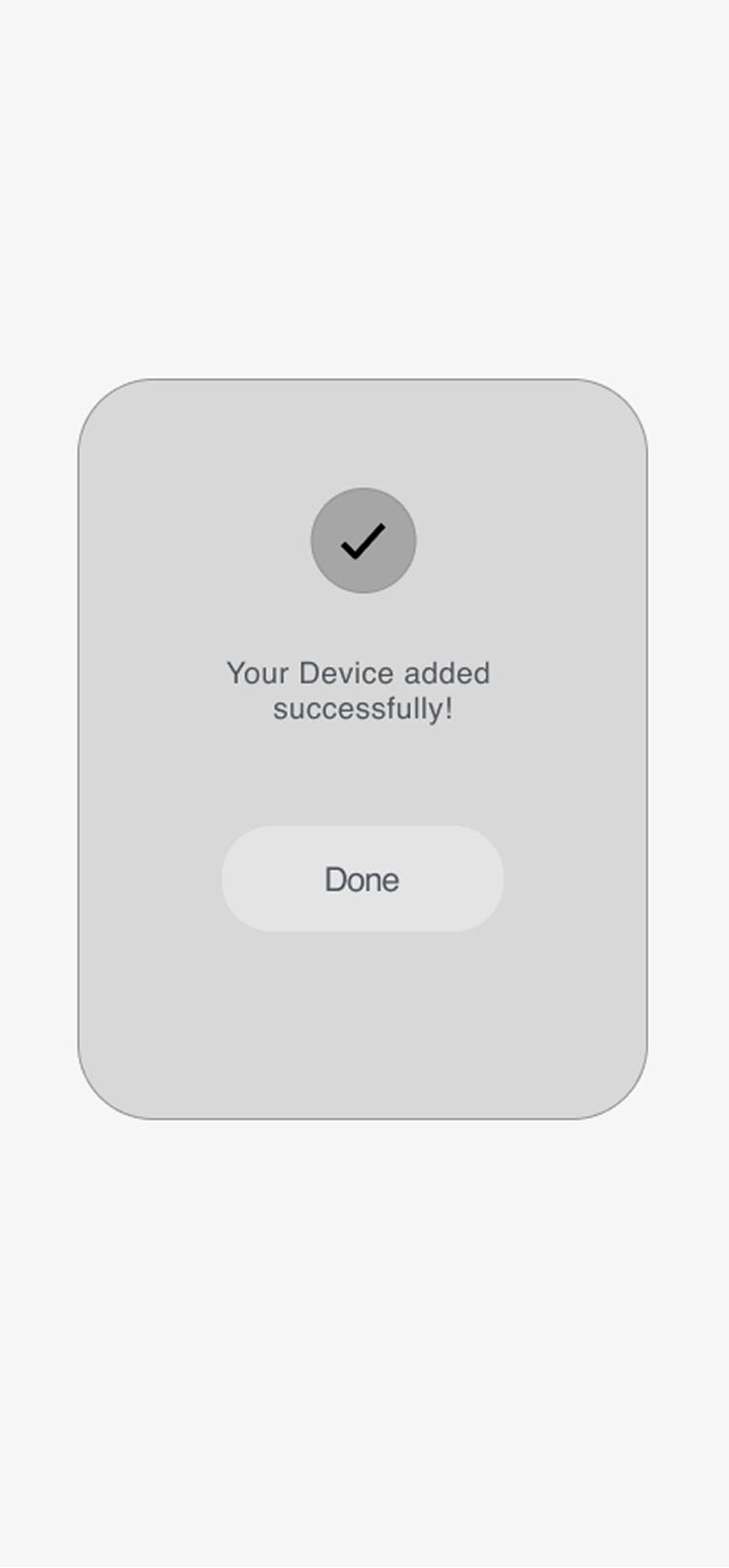
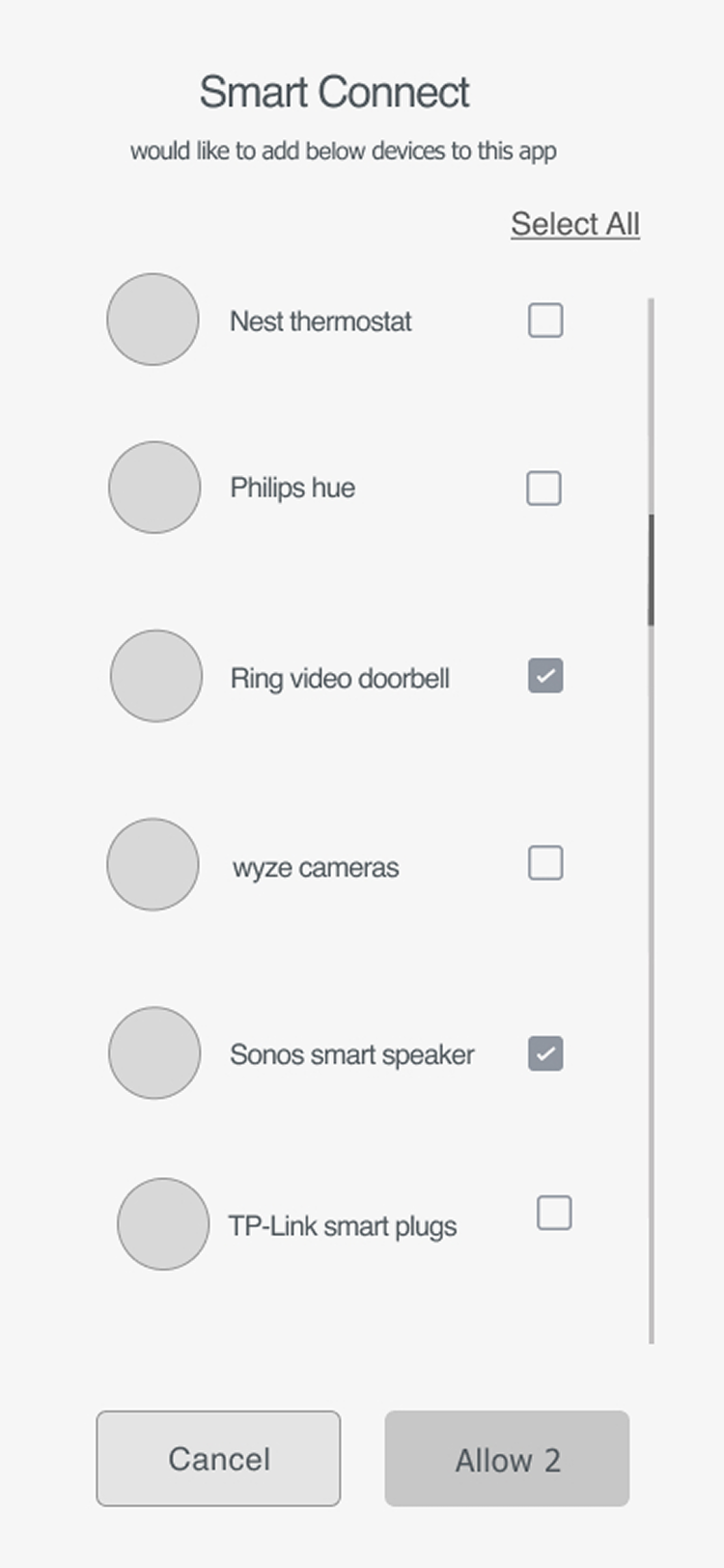
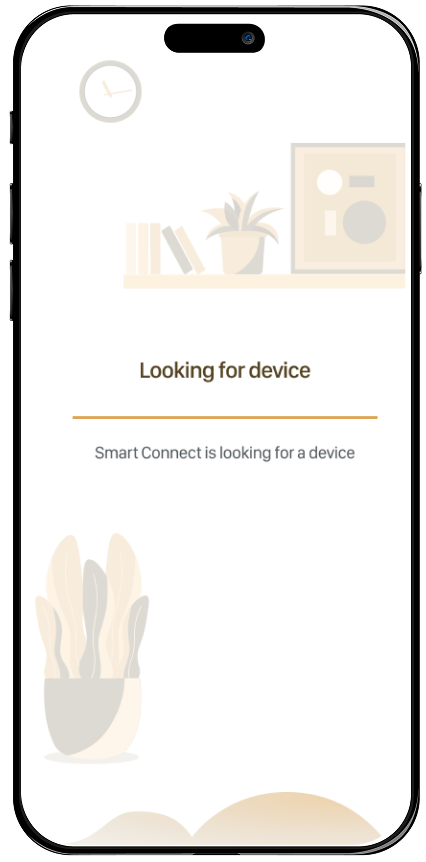
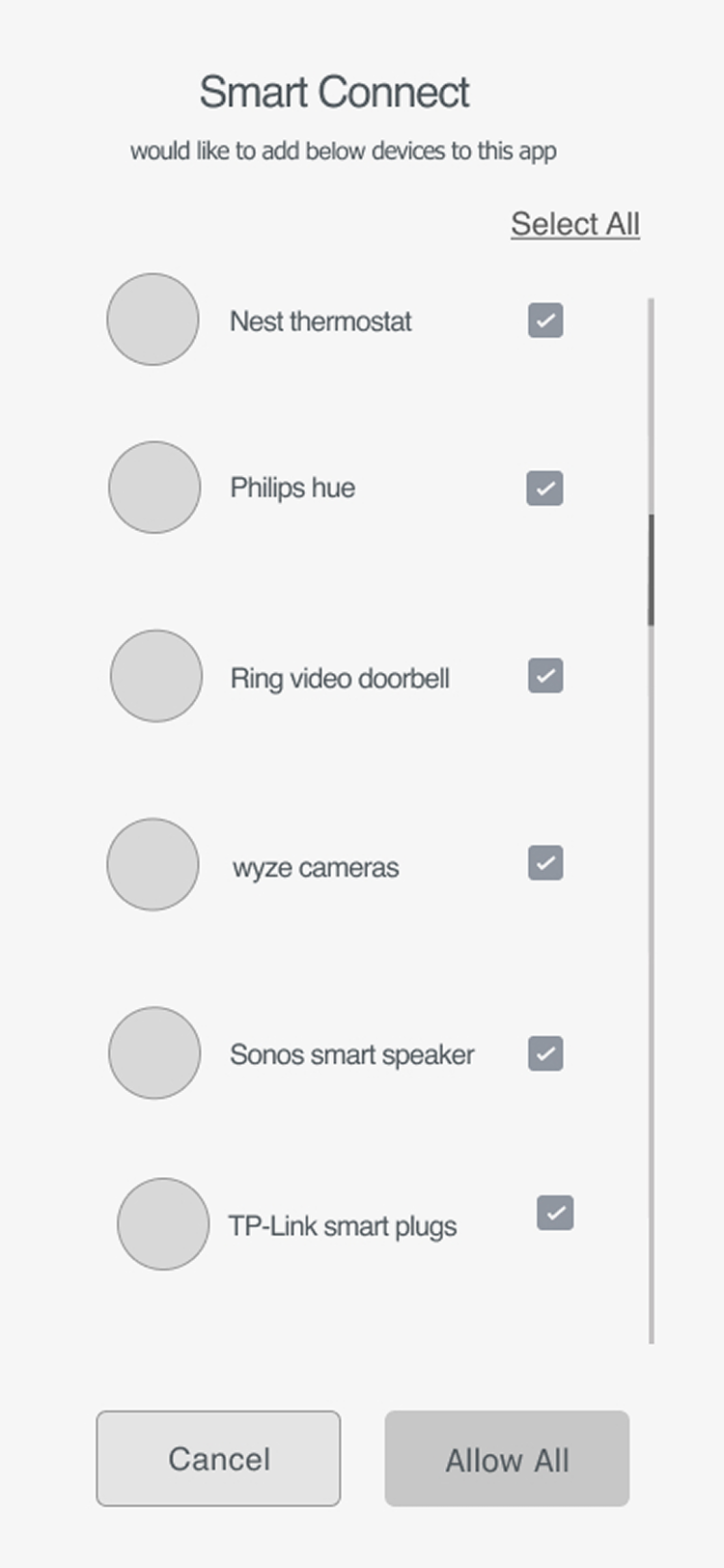
Adding devices steps are very simple and easy. Just select device type and brand then discover the devices and name them, add to the group and done!

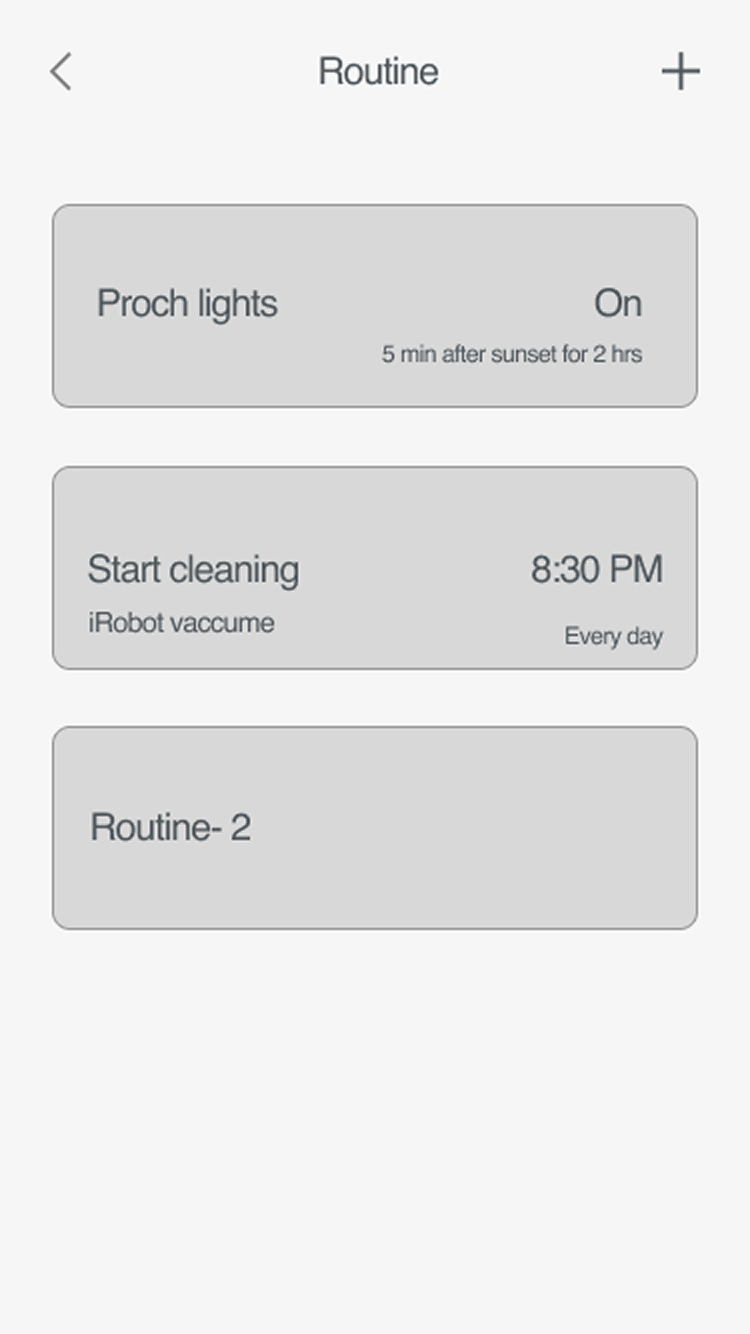
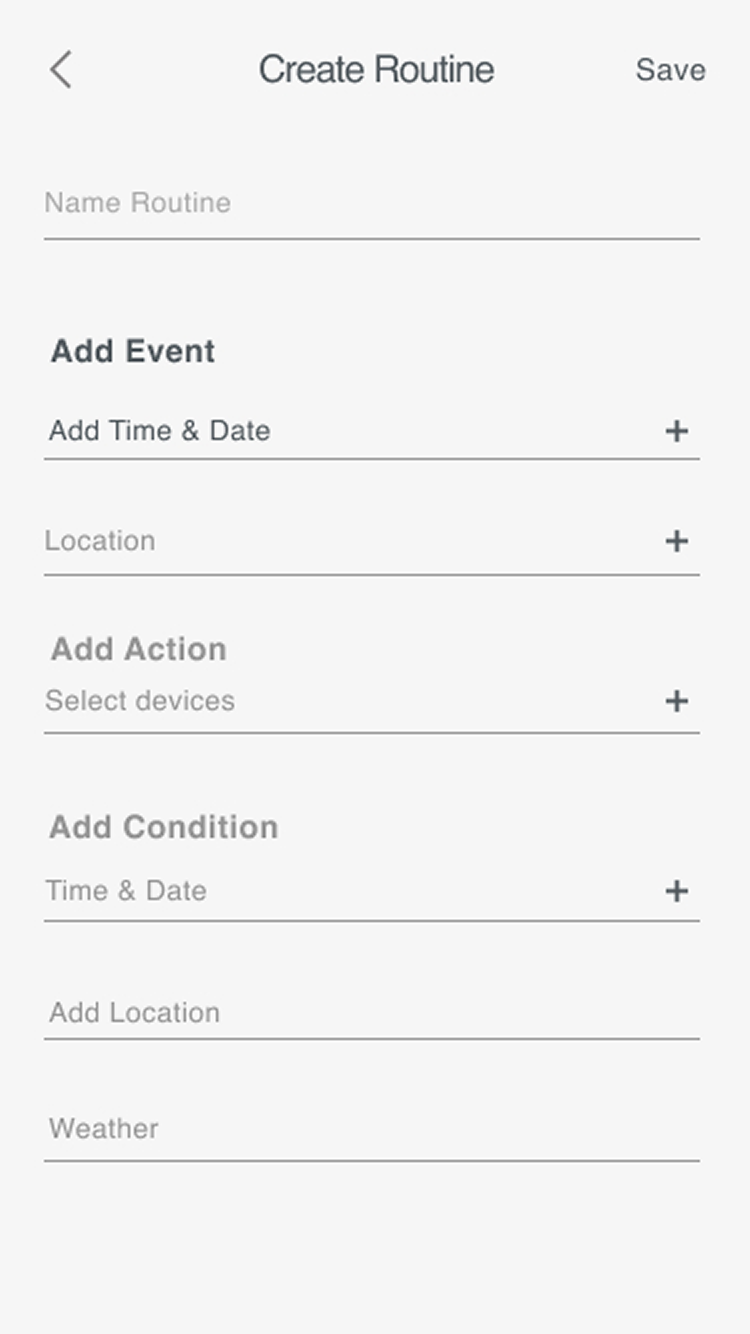
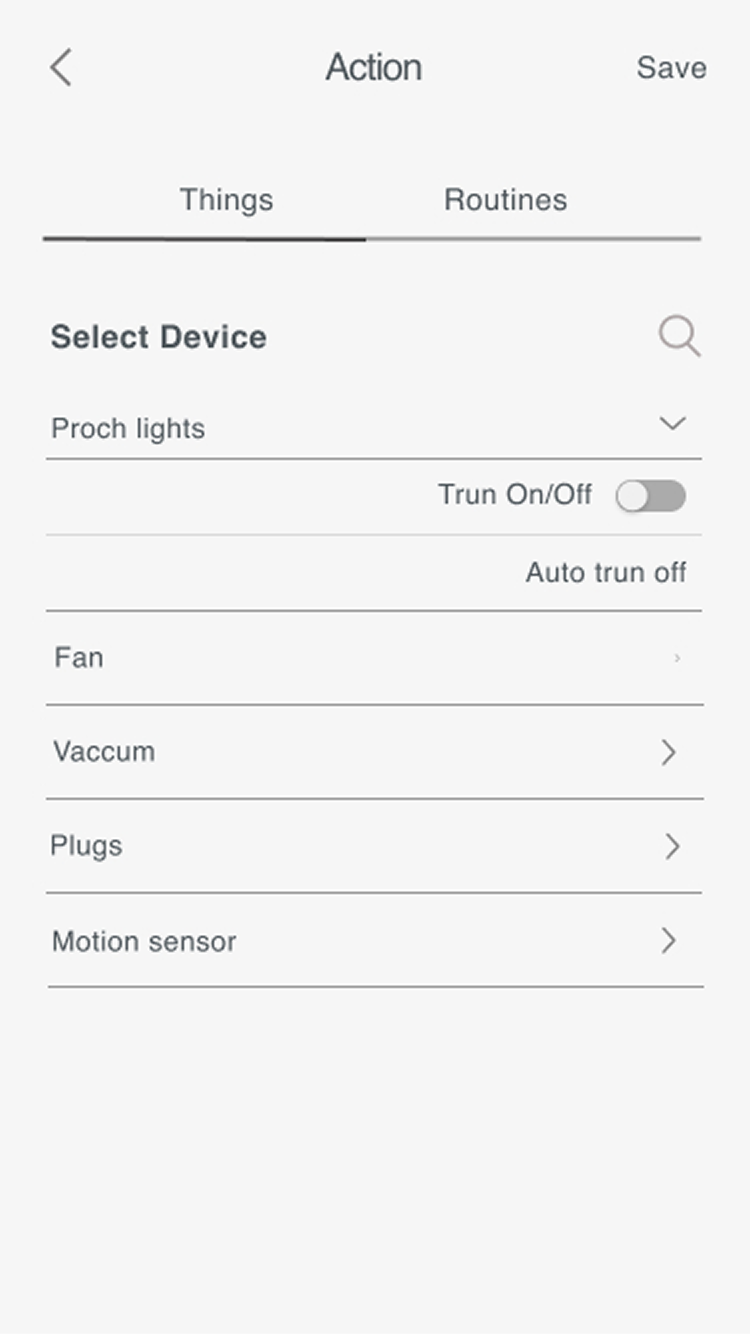
"As a user I want to create a new routine for my devices. When I want them to be on/off automatically."

Wireframes

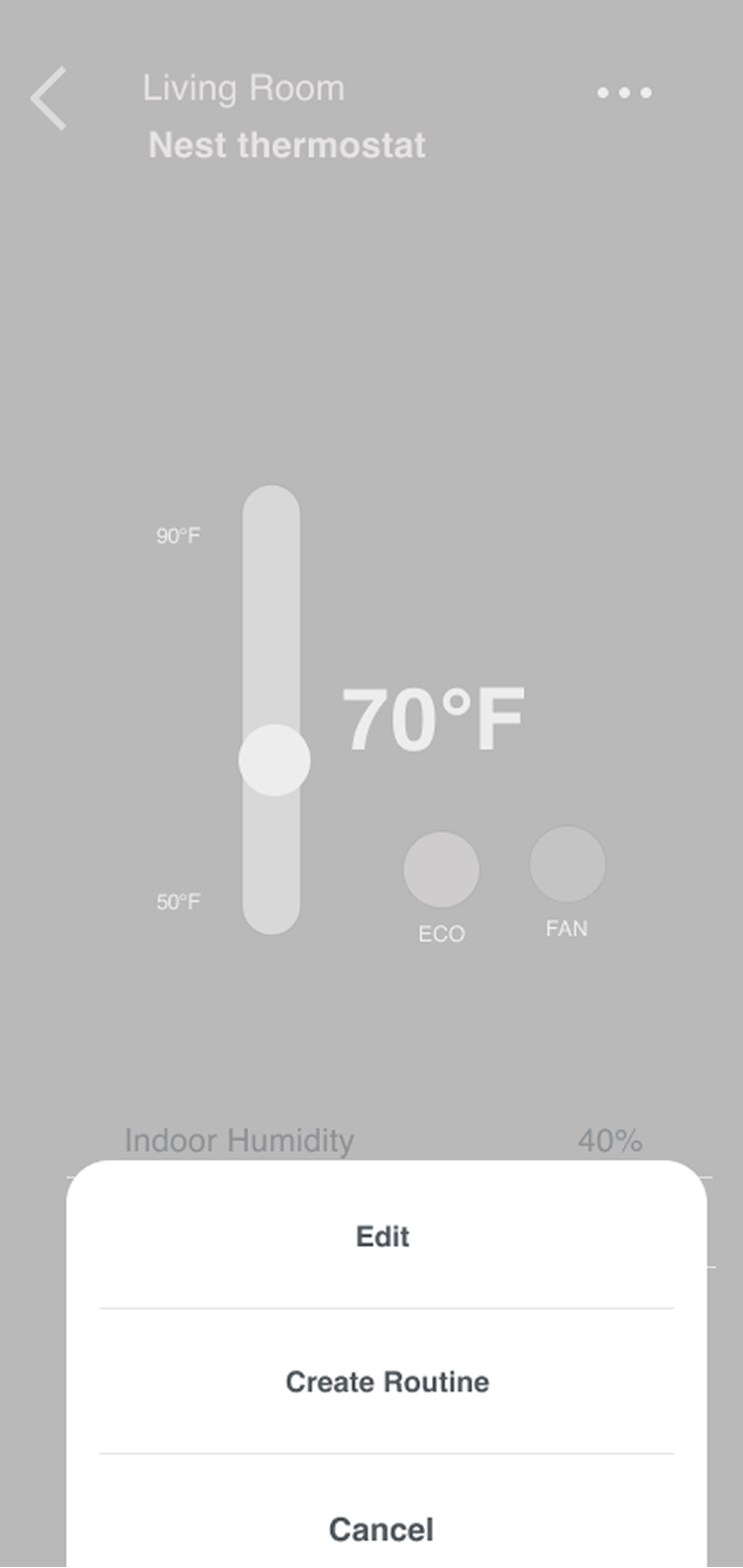
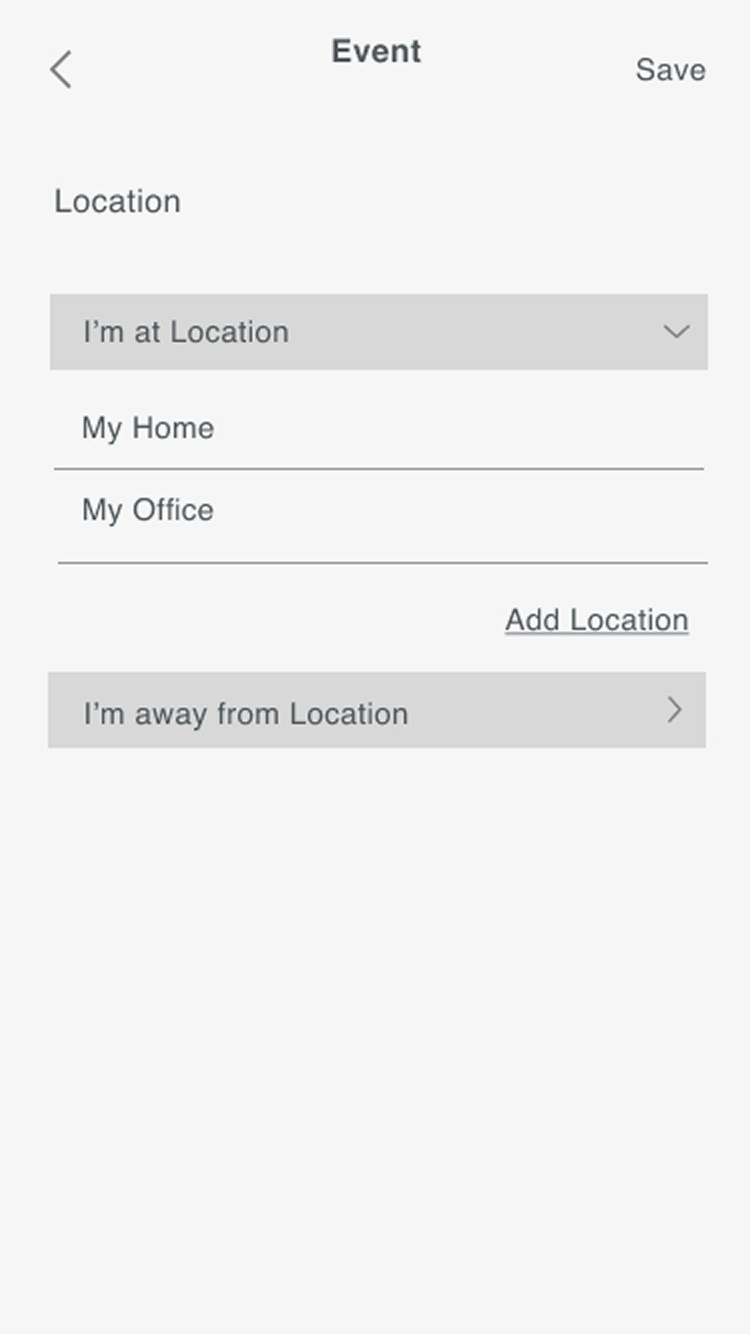
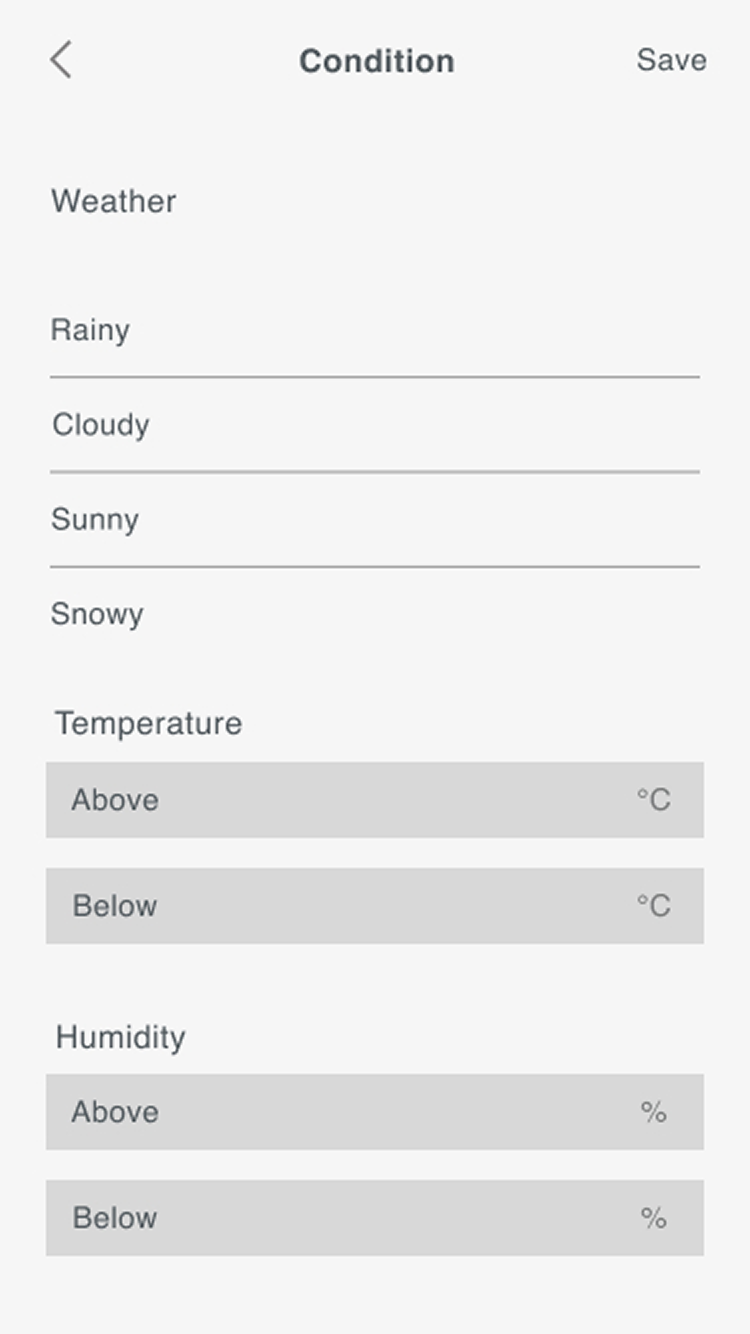
Effortlessly set up automated actions for your devices with a custom routine! Specify when user wants devices to turn on or off based on their preferences. With this feature, they can enjoy convenience, energy savings, and seamless control over their home or office environment.

User Flow

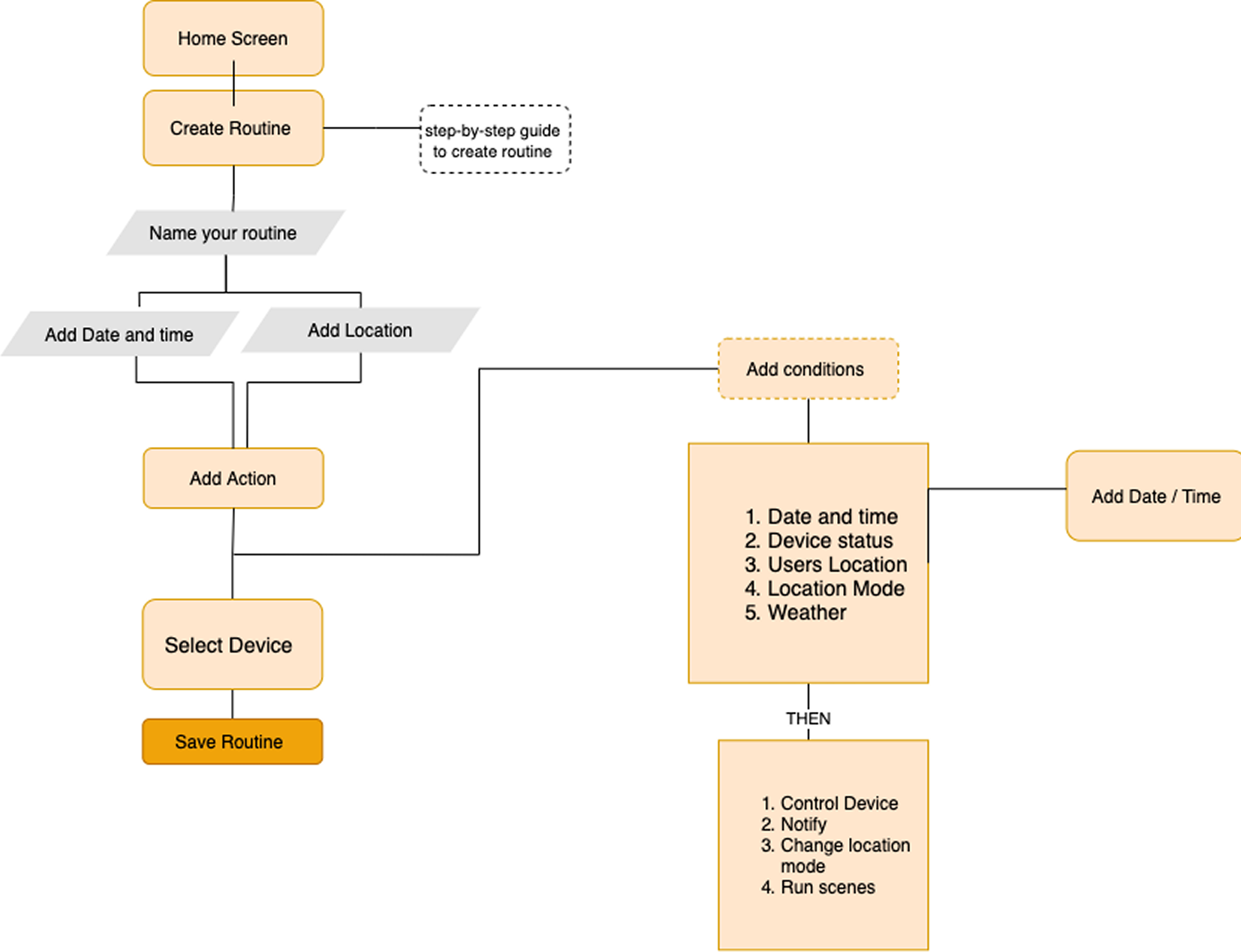
This user flow is a visual representation of a specific route that a user might take through this app to achieve a goal. As a designer, I had to consider all the ways users could navigate through this app to identify the essential path which is generally the path that is the most direct and straightforward.

Wireframes helped me to map content. I used wireframes to define the hierarchy of the elements, which helped me determine the layout of my product. Wireframes are the middle step between sketching and high fidelity mockups, they are more complex than sketches, but they still offered me the flexibility and room for innovation that comes with sketching an idea.

For the 'Smart Connect' user testing sessions I have done an unmoderated Remote Usability testing and moderated Usability testing with 8 people that fit into the app's target demographics. I have shared a Figma prototype link with the users. I was testing the Hi-fidelity 'Home screen' and wireframes for other screens.

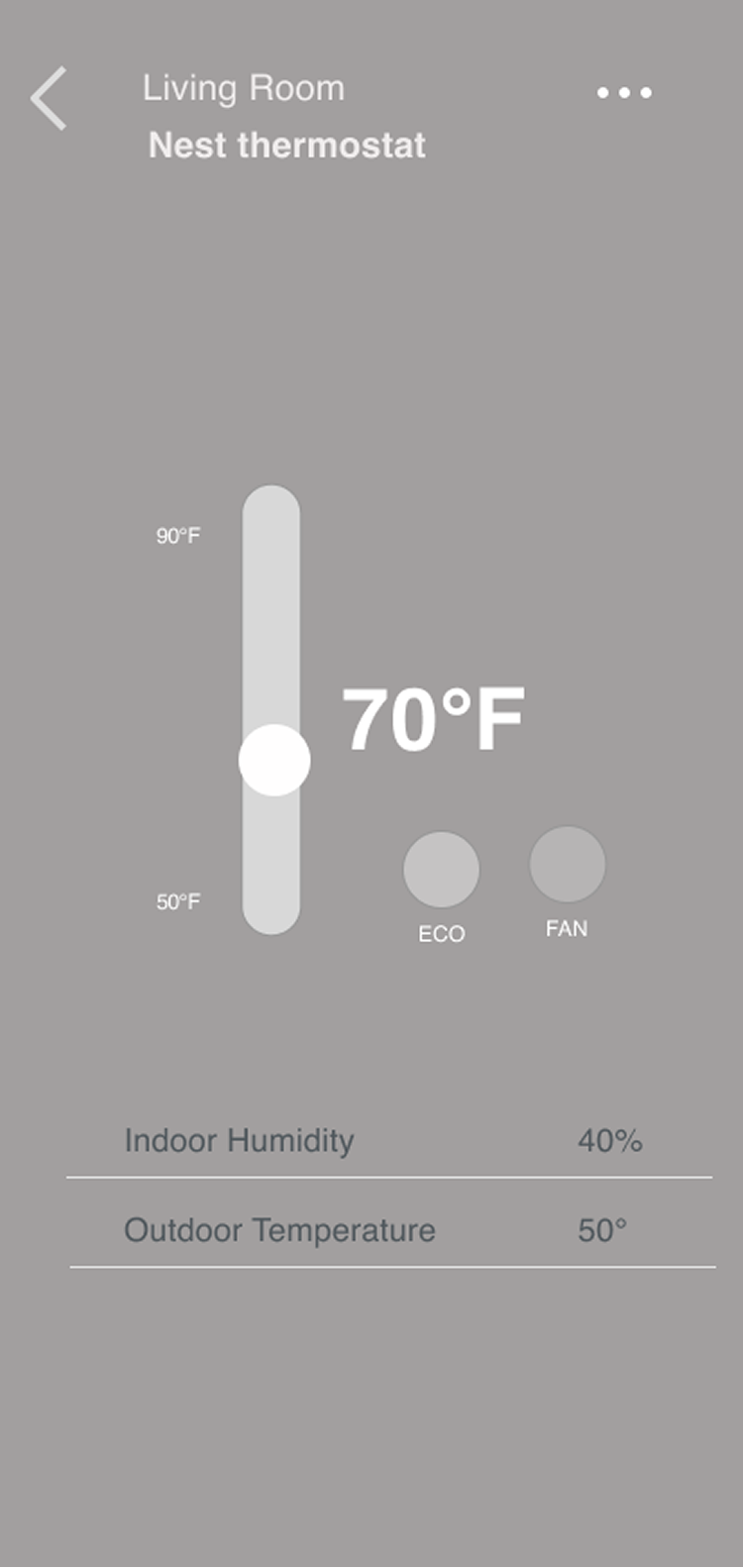
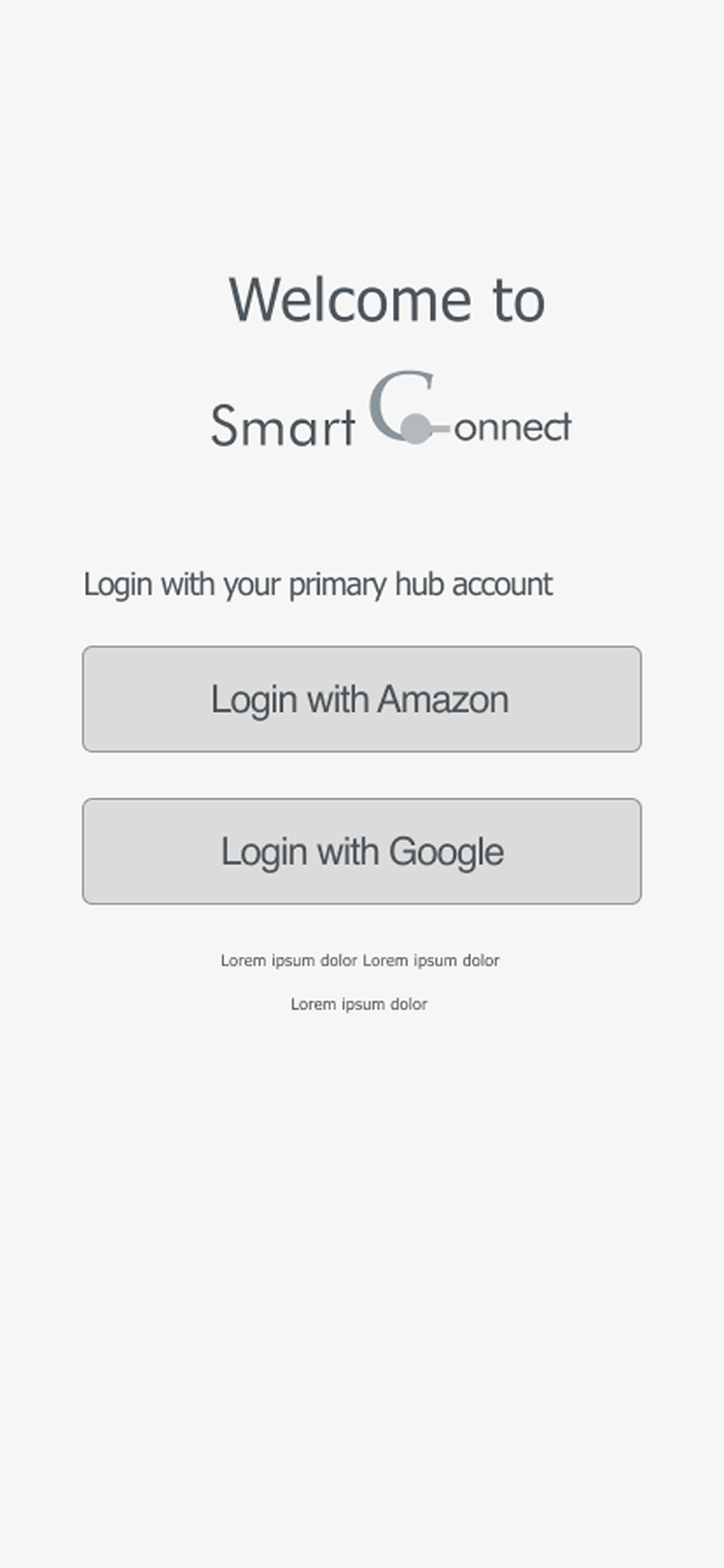
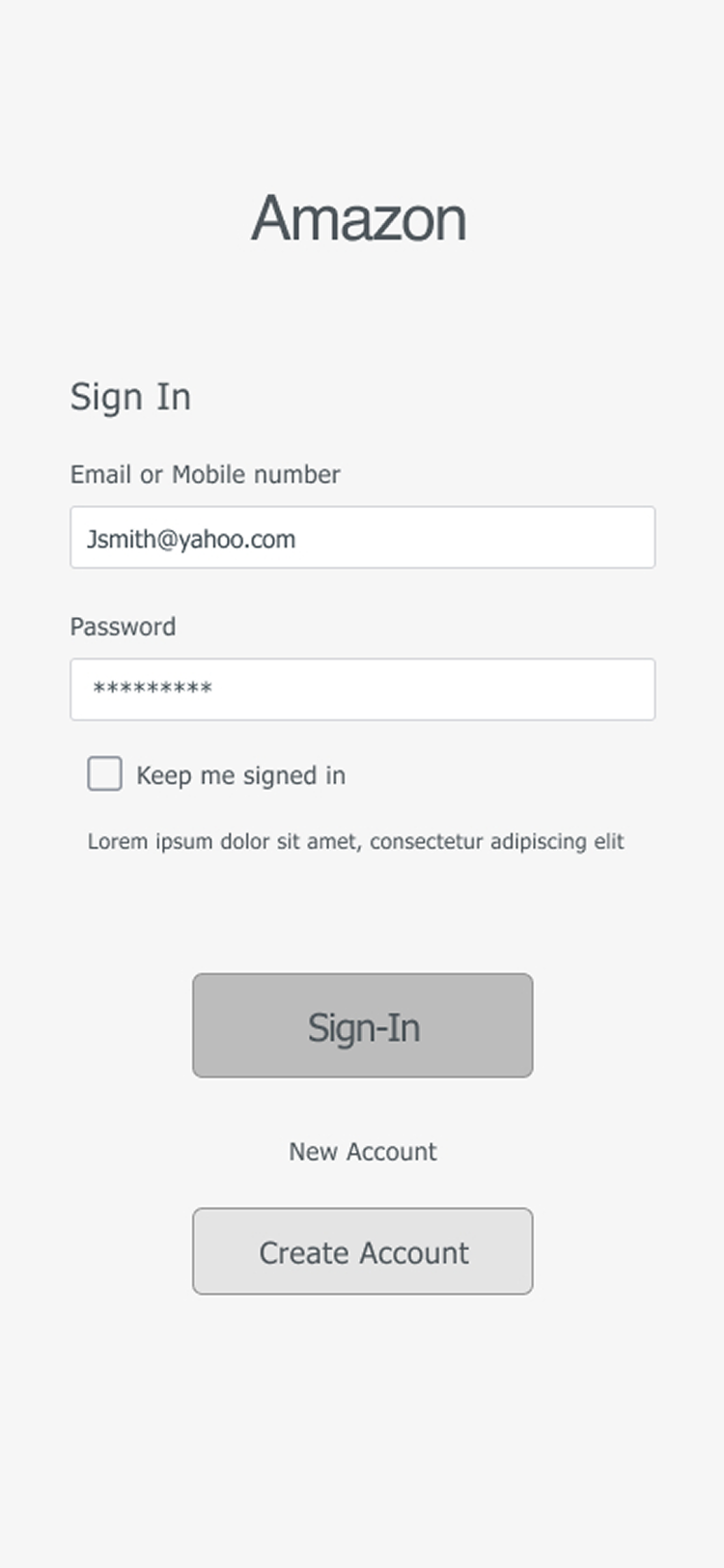
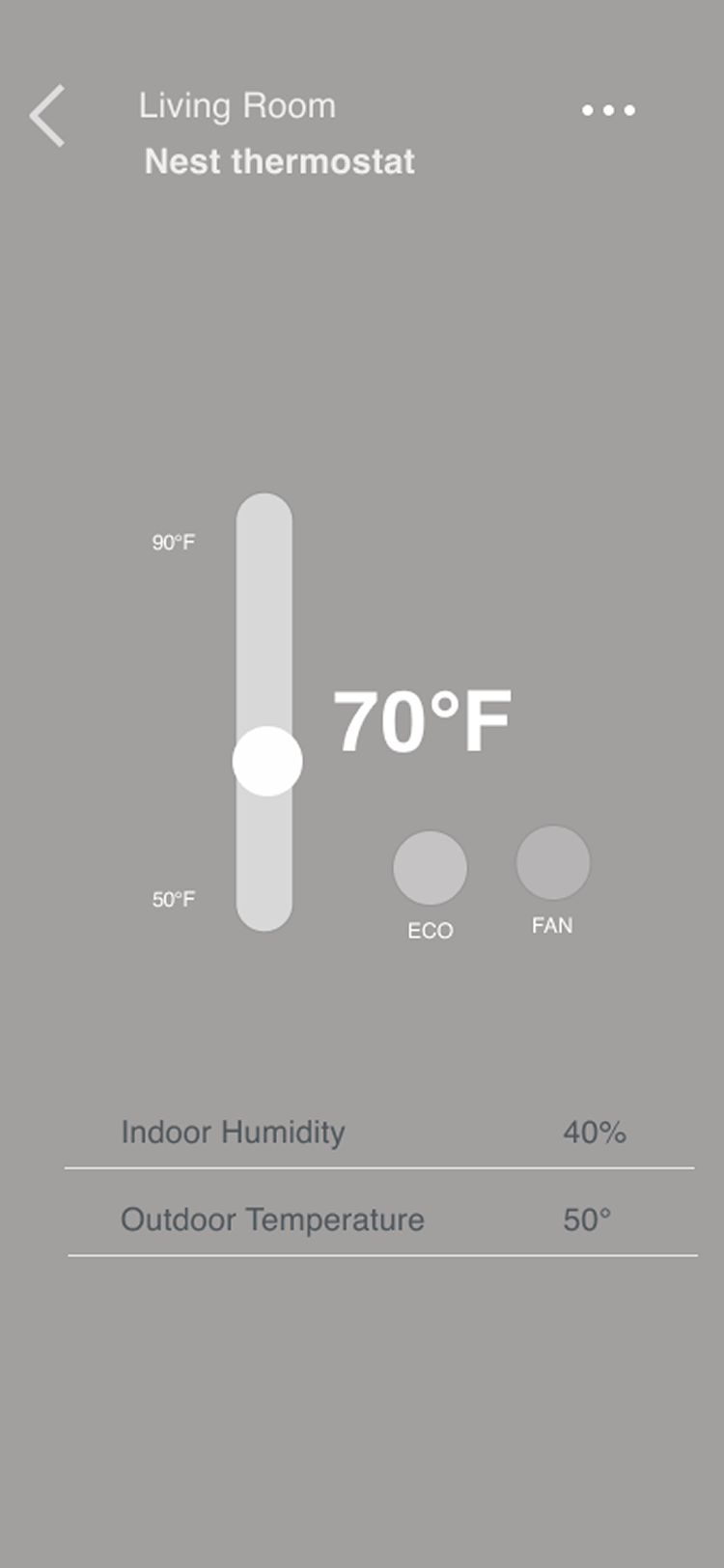
I gave the user some introduction about the product. Users had to complete a few tasks like signing up, adding a new device, adding a member and creating a new routine, changing the temperature from the home screen and give their feedback. The observations and feedback were noted down, where the user stated that the app was easy to navigate with a simple and easy to use UI. Only minor struggles were found by the user and they were noted down to further improve the App interface.

Key Findings & Iterations

  • Few users had a hard time figuring out the plus (Add device button), they tried to look in the hamburger menu for an add device link
  • I had a recommendation that it would be easier to understand if I could add a text to the icon
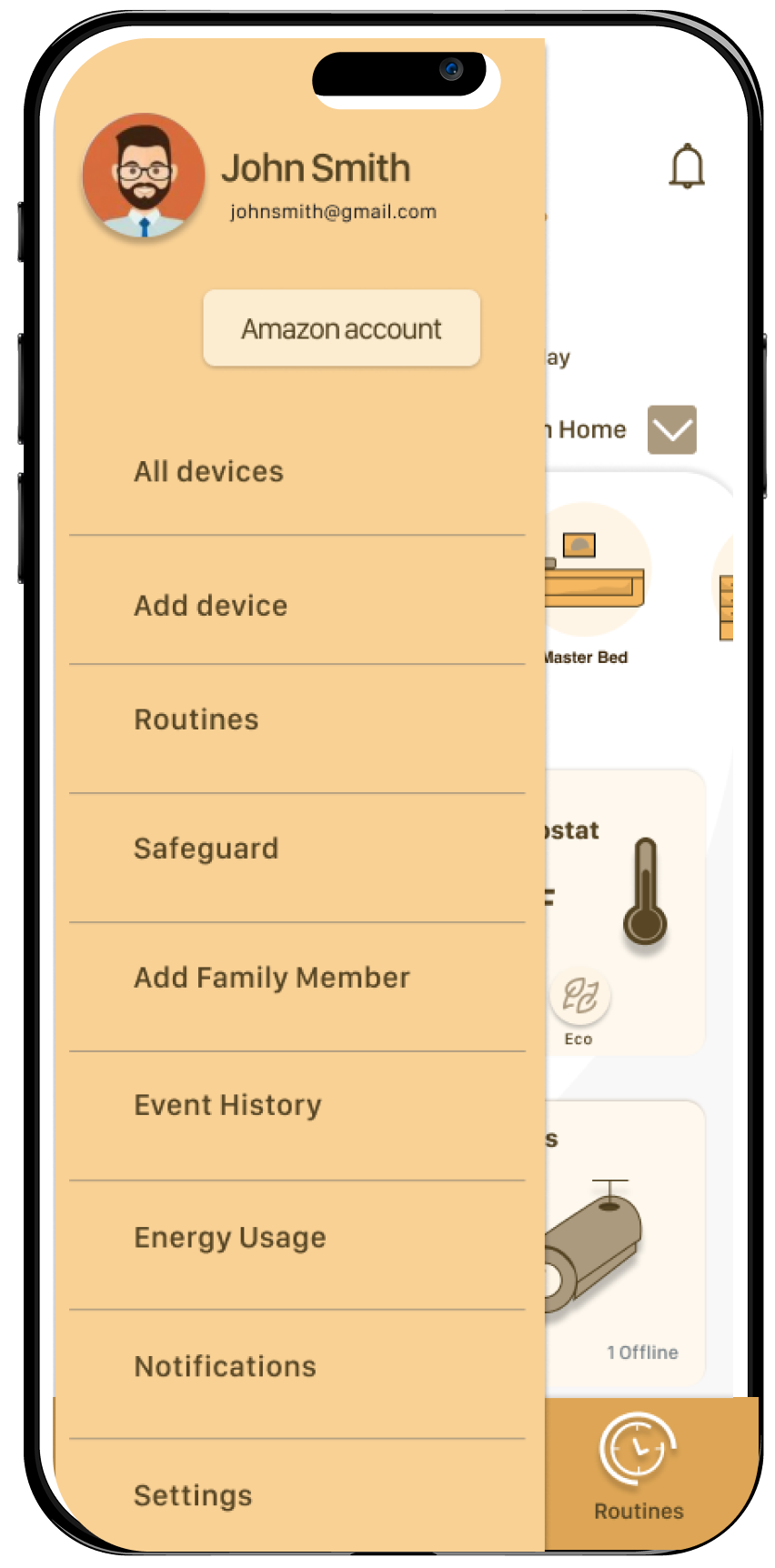
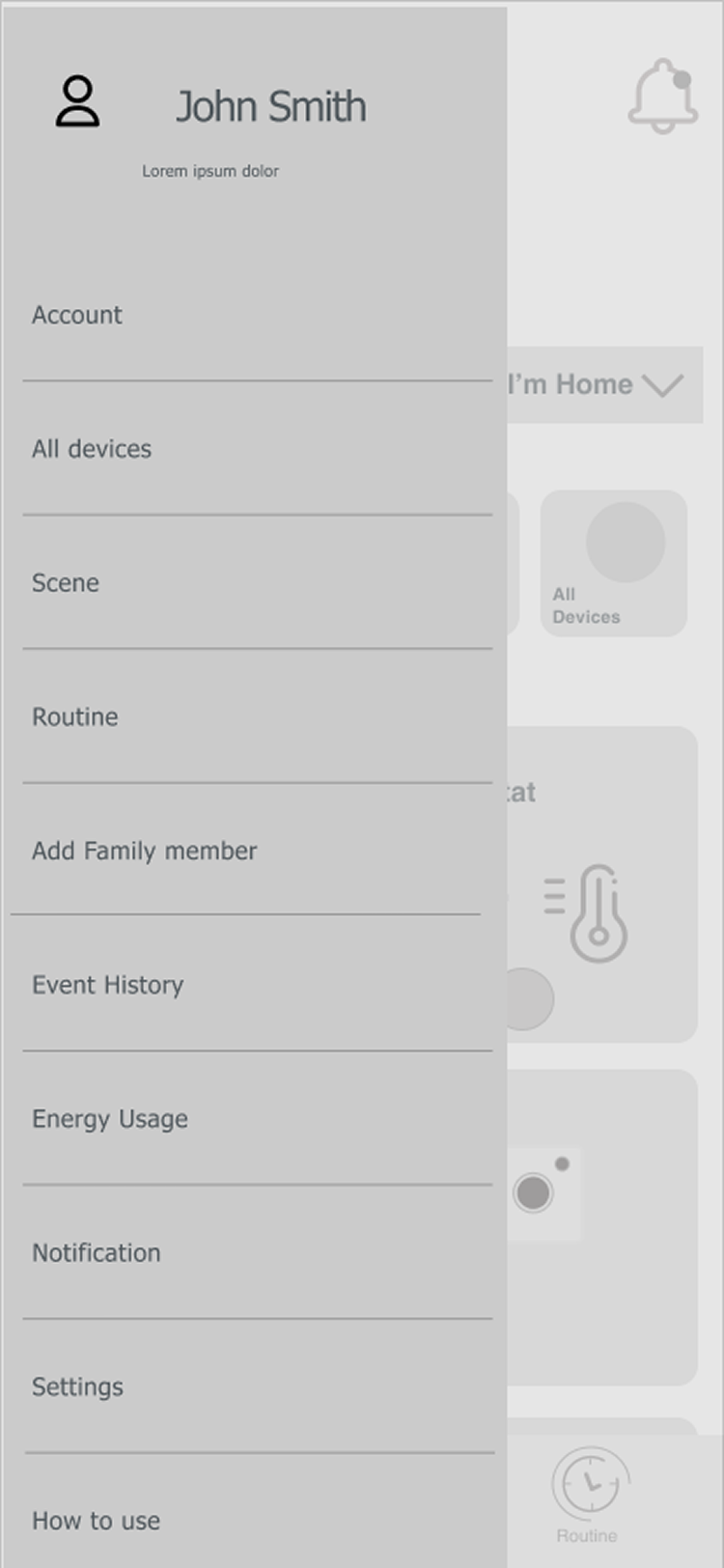
  • I have added an 'ADD DEVICE' link to the hamburger menu
  • Changed the Add devices icon color so that it will be more visible
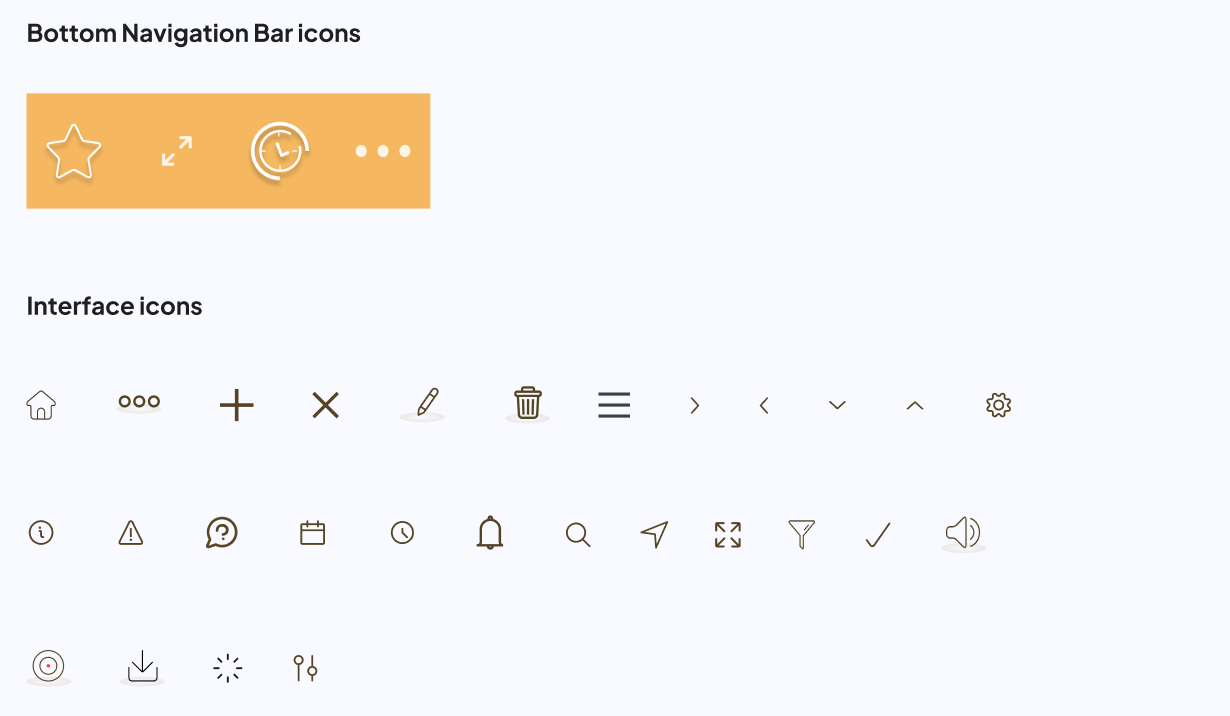
  • Added labels to the icons
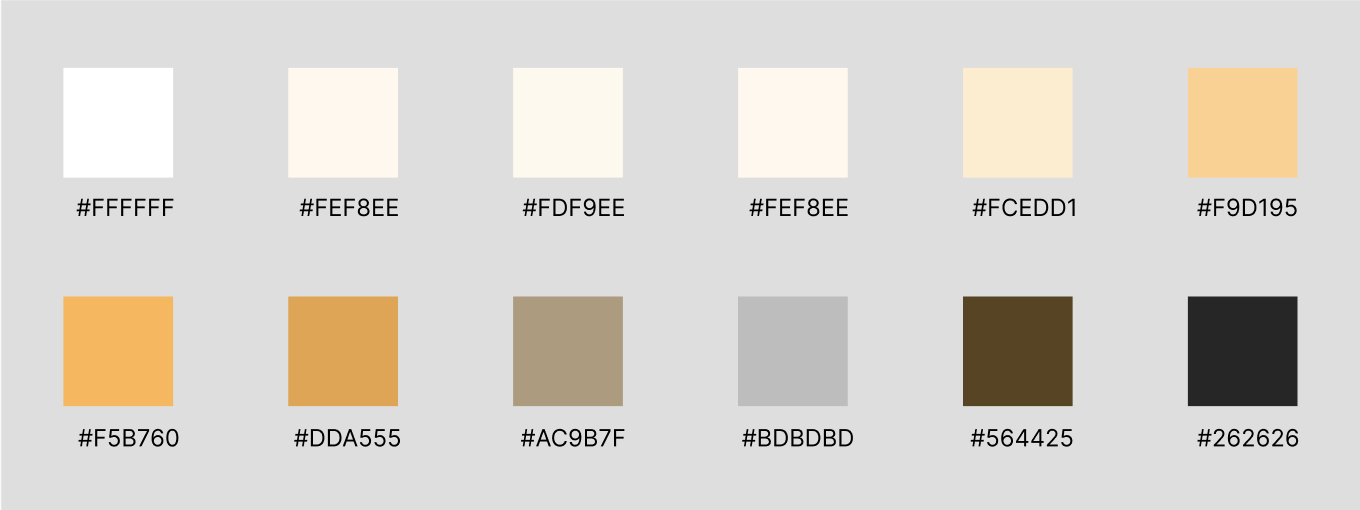
I use Monochromatic colors. This scheme looks clean and elegant, colors go well together, producing a soothing effect. This scheme is very pleasant for the eyes. Monochromatic harmony is always a winning choice since it's hard to make a mistake and create a distasteful color scheme.

Sticking to a monochromatic scheme helped my designs look cohesive, clean, and sophisticated. I used shadows to convey hierarchy and added depth to my designs.

The Complete Experience

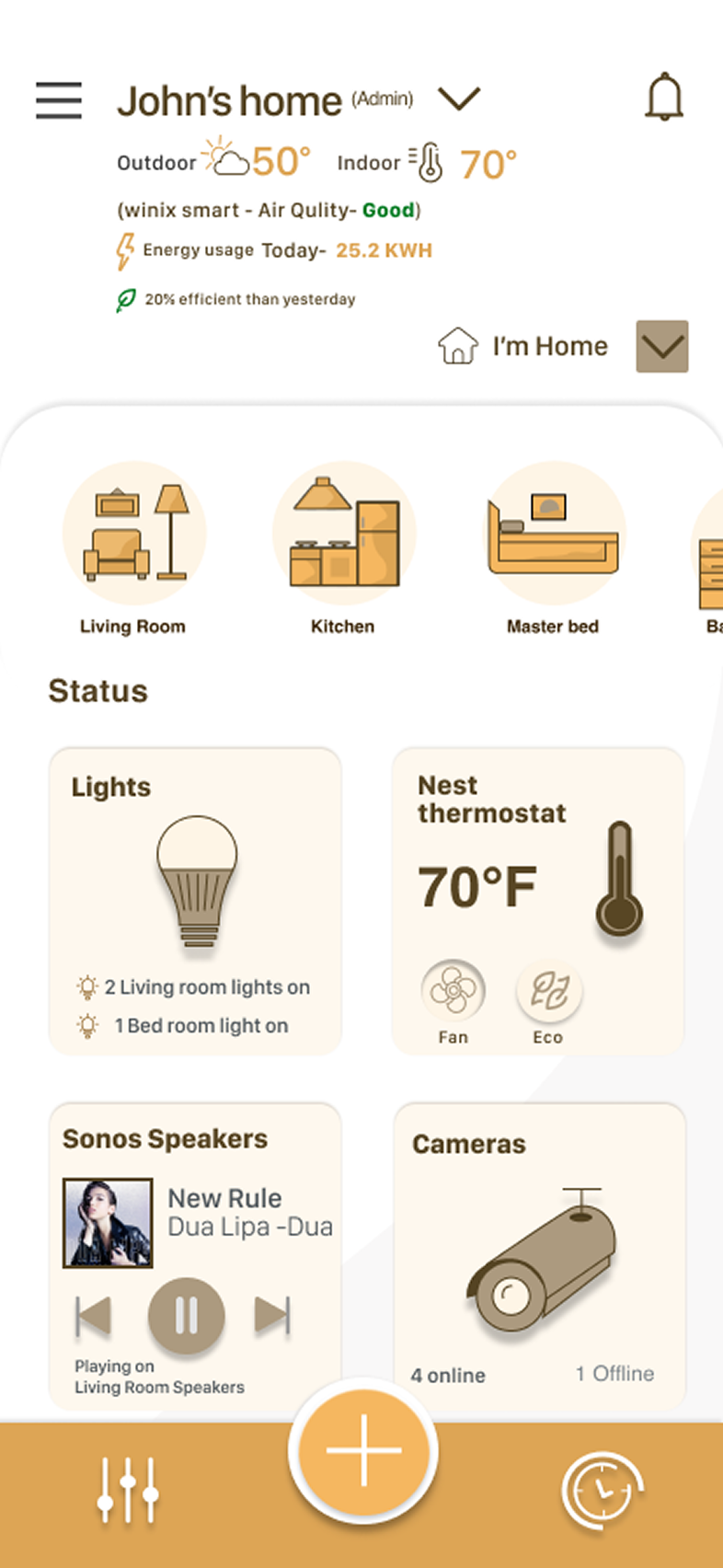
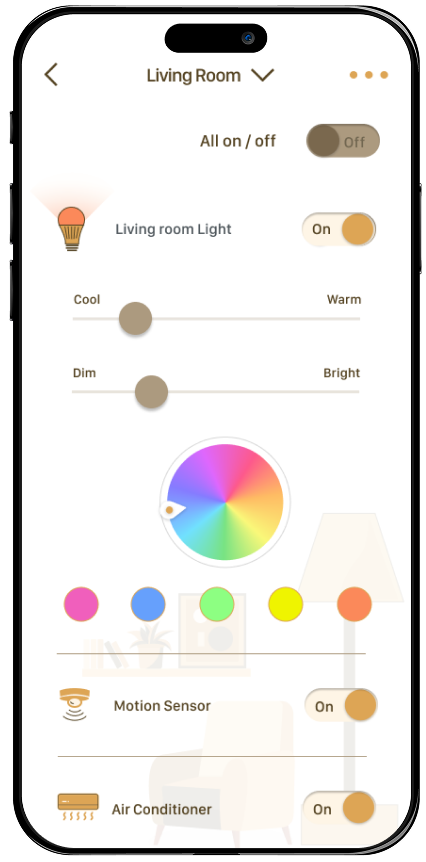
The final design brings together all the components into a cohesive, user-friendly app that empowers users to control all their smart home devices from a single interface.

Key Learnings

Designing for the smart home requires understanding not just individual interactions but the flow of daily life. The most successful features were those that anticipated user needs and reduced friction in everyday routines.
  • User research is critical to understanding real pain points
  • Simple, intuitive interfaces reduce user frustration
  • Iterative testing helps identify and fix issues early
  • A unified experience is key to smart home adoption
  • Monochromatic design creates a clean, cohesive look

Next Project

Enterprise Design System